
Description
Product description


 Ultra-Lightweight Design
The M999 delivers effortless speed and reduced hand fatigue during long gaming or work sessions. Giving you faster reactions and smoother movement without sacrificing durability or comfort.
 5-Level DPI Adjustment
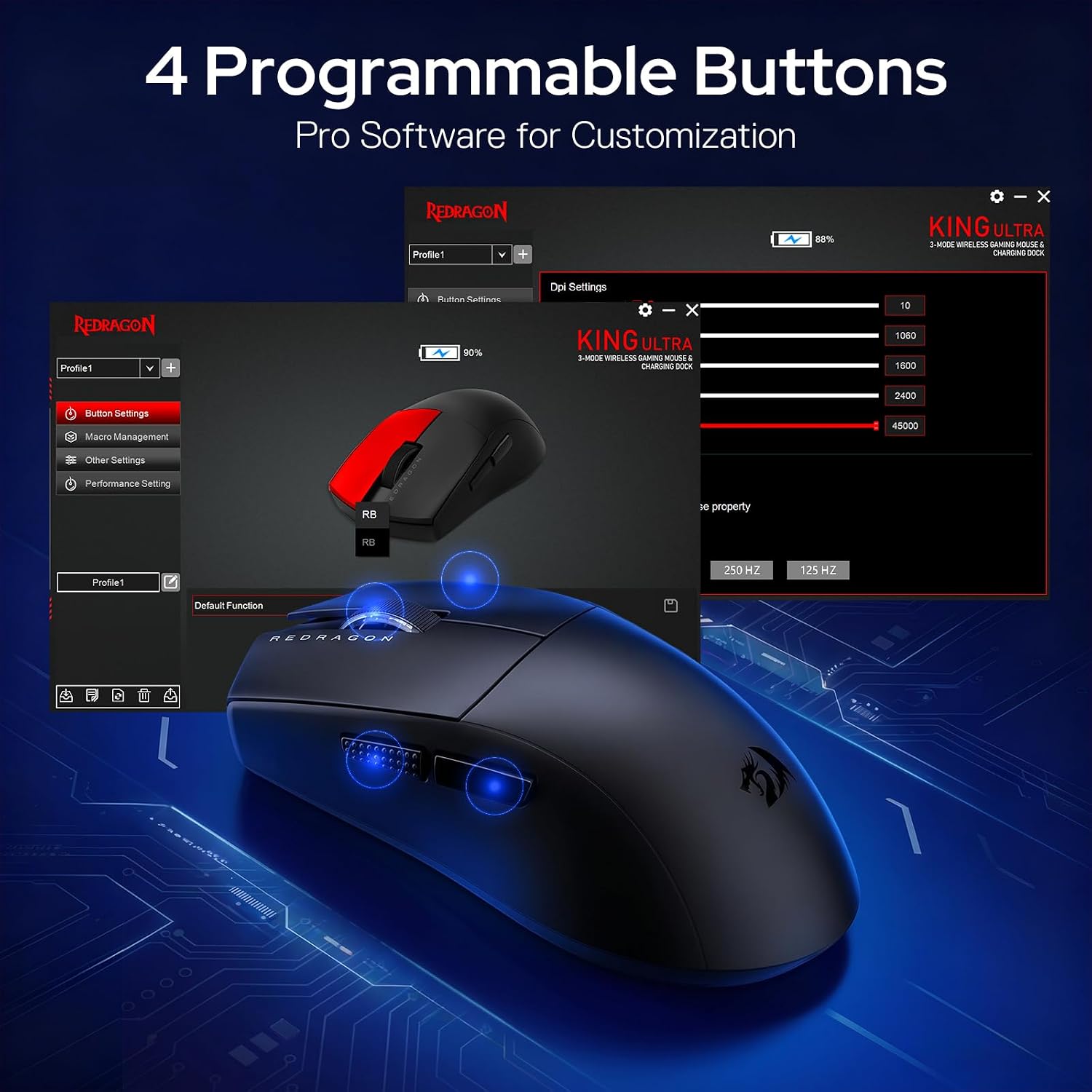
Switch instantly between 10–45000 CPI for daily work or gaming, then unlock ultra-high sensitivity up to 45,000 DPI through software for precision control tailored to your playstyle.
M999
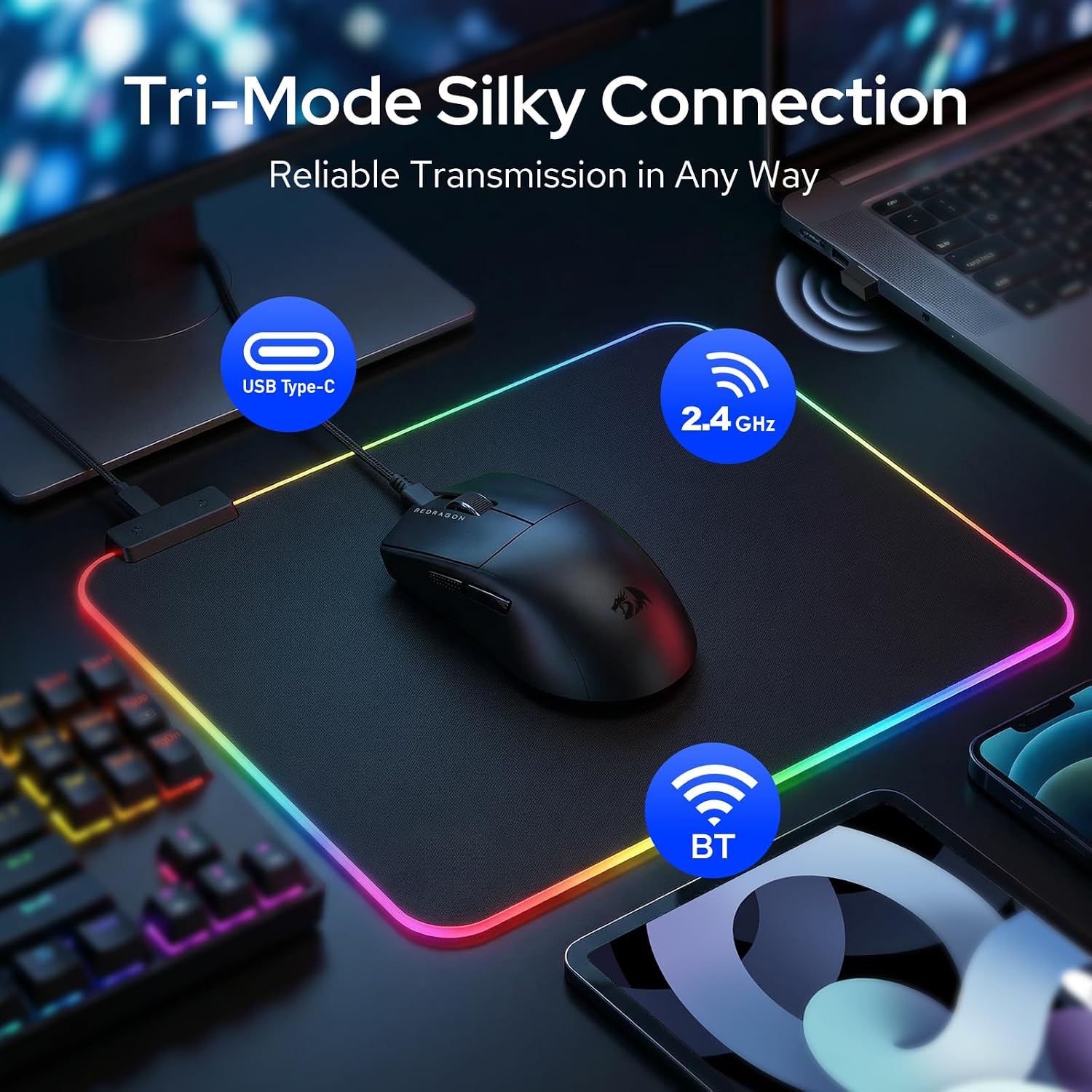
BT/2.4G/Wired
Connection
BT/2.4G/Wired
10-45,000
DPI
50-26,000
70G
ACC
50G
4
Macro Buttons
9
Backlit
Software
BT/2.4G/Wired
Connection
2.4G Wireless/Wired
10-45,000
DPI
100-16,000
70G
ACC
40G
4
Macro Buttons
16
Backlit
Software
BT/2.4G/Wired
Connection
2.4G Wireless/Wired
10-45,000
DPI
100-10,000
70G
ACC
20G
4
Macro Buttons
8
Backlit
Software
BT/2.4G/Wired
Connection
Wired
10-45,000
DPI
100-10,000
70G
ACC
20G
4
Macro Buttons
7
Backlit
Software
M991 
M913 
M810 
M711 
Tri-Mode Connection –Switch freely between 3 modes for ultimate compatibility. Stable 10m wireless connection works with laptops, PCs, tablets, and more—perfect for gaming
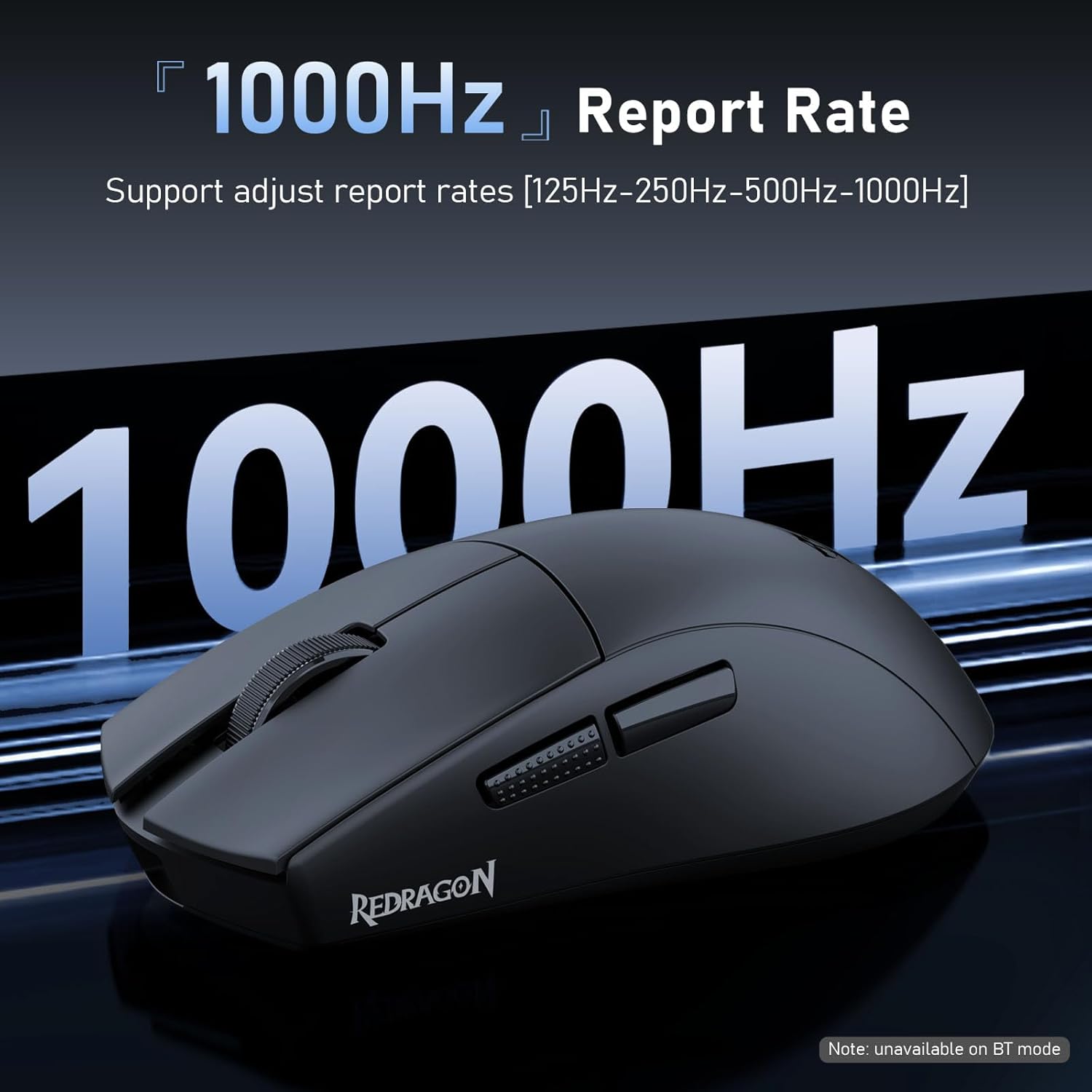
Precision Optical Sensor – Equipped with a high-performance optical sensor delivering accurate tracking, up to 750 IPS speed and 70G acceleration, ensuring smooth cursor control and reliable performance for gaming, design, and daily productivity
5 Adjustable DPI Levels – Easily switch between 400 / 800 / 1600 / 2400 / 3200 DPI to match different tasks. Lower DPI for precision work, higher DPI for fast gaming movements. LED indicators show your DPI level instantly for quick adjustments
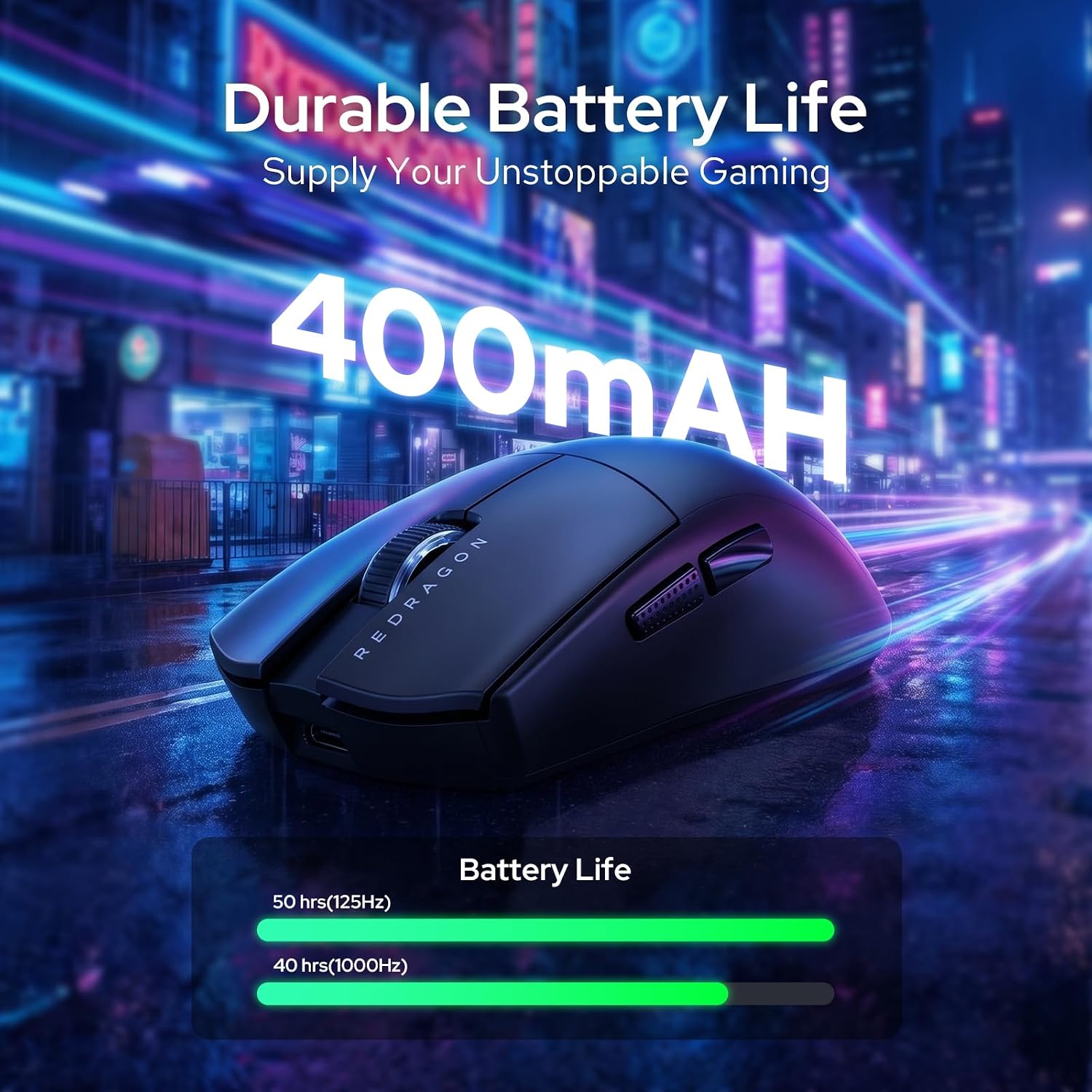
Smart Power Saving & Auto Sleep – Advanced power management extends battery life with auto standby after 3 minutes and sleep after 10 minutes of inactivity. Wake instantly with a click or movement to keep productivity and gaming uninterrupted
Programmable Buttons with Macro Support – Boost productivity and gameplay with 4 programmable buttons. Assign macros, shortcuts, and commands through driver software to create a personalized setup ideal for gaming, office tasks, and multitasking workflows
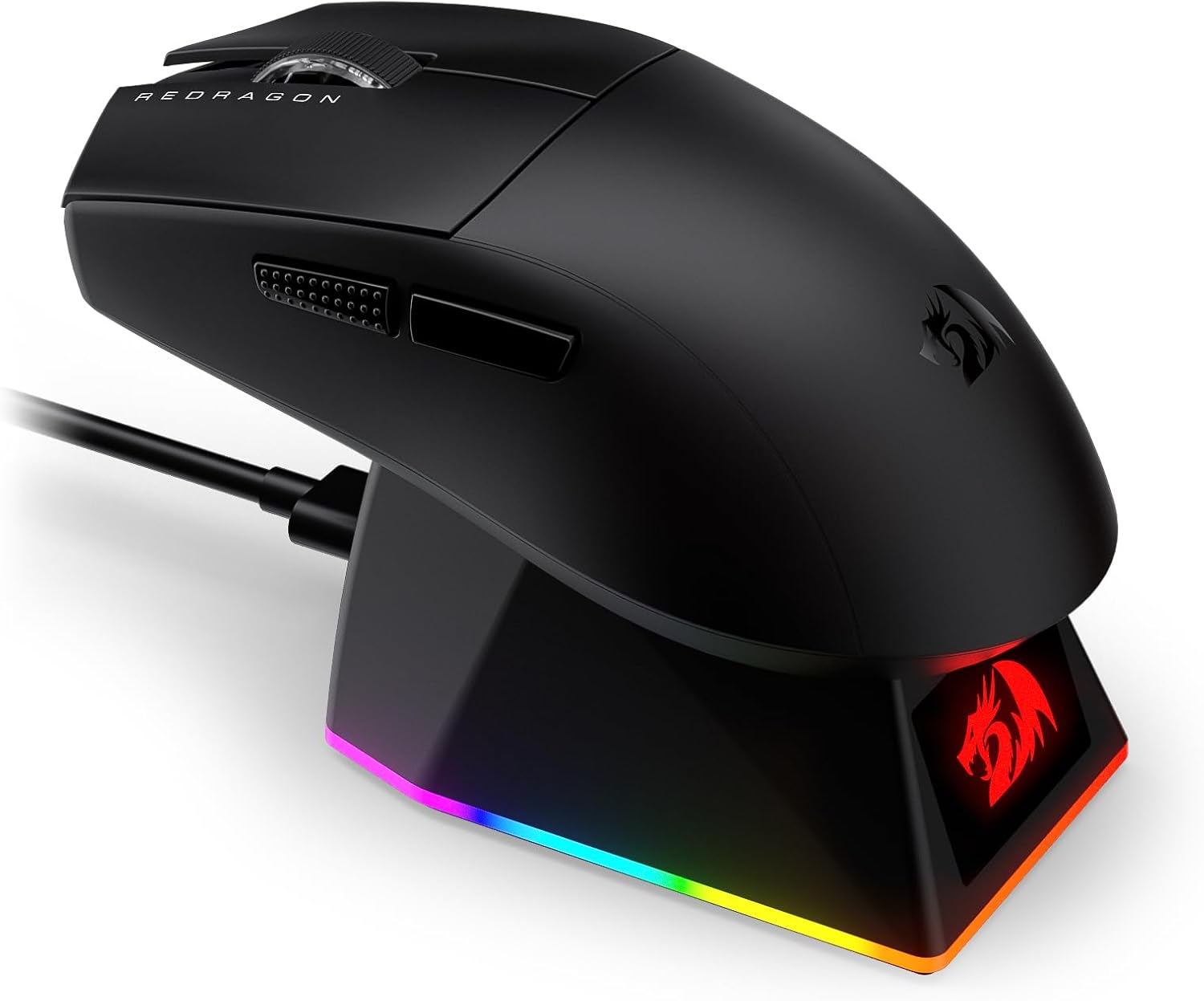
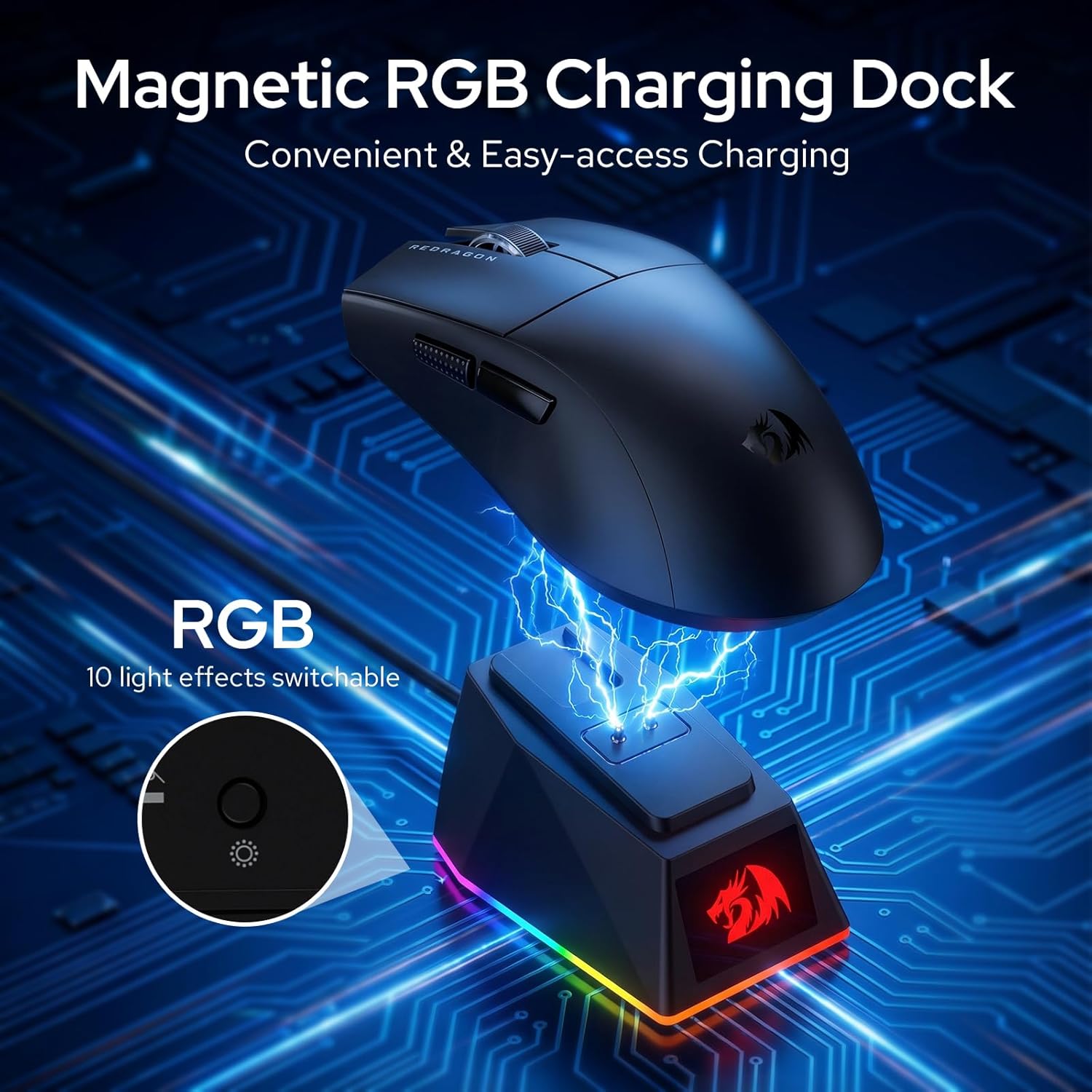
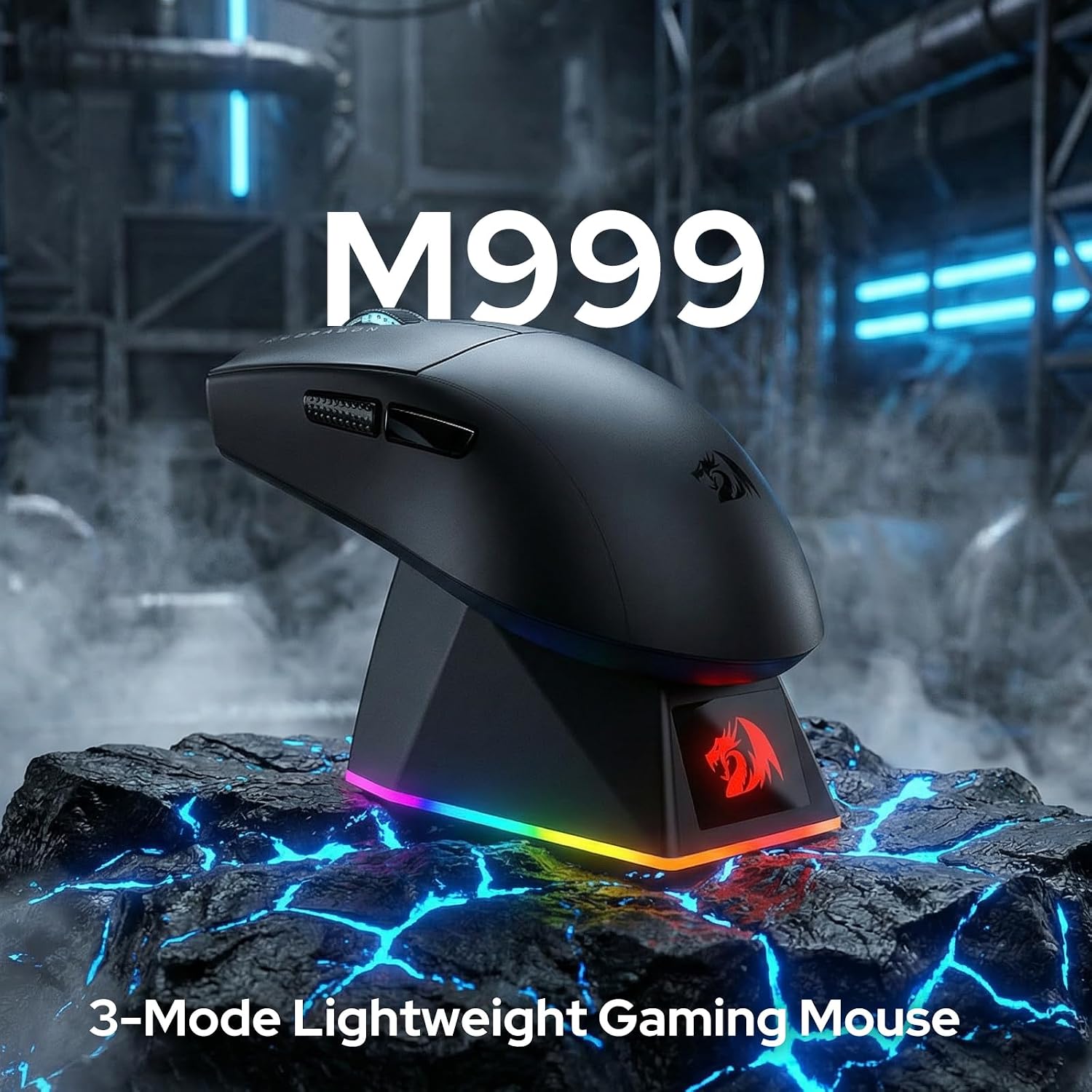
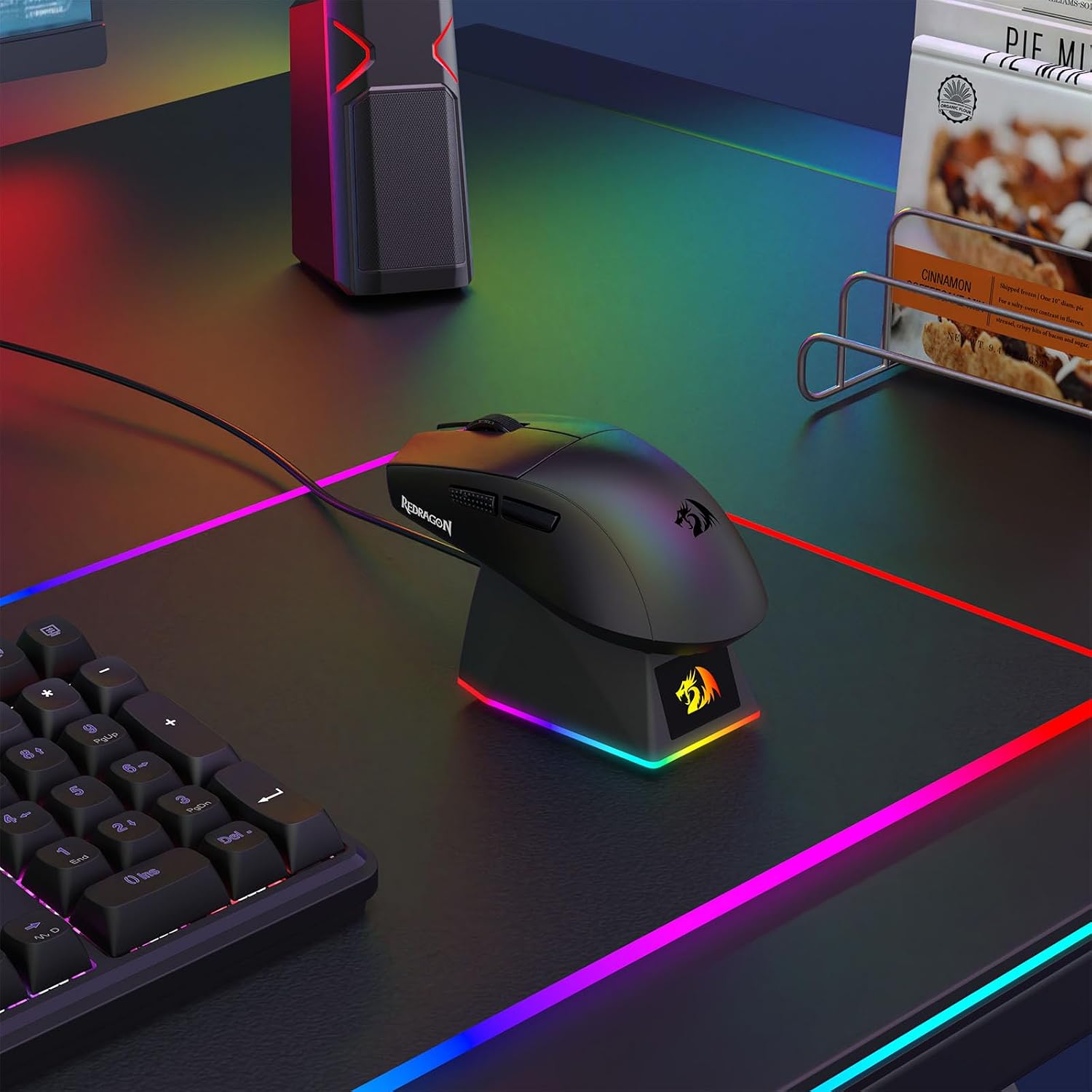
Magnetic RGB Charging Dock – Charge the M999 gaming mouse easily with the magnetic RGB charging dock. Press the bottom button to switch lighting effects for a stylish setup. Note: Charging via PC requires USB power enabled when the computer is off.







Reviews
There are no reviews yet.