

Description
Product description
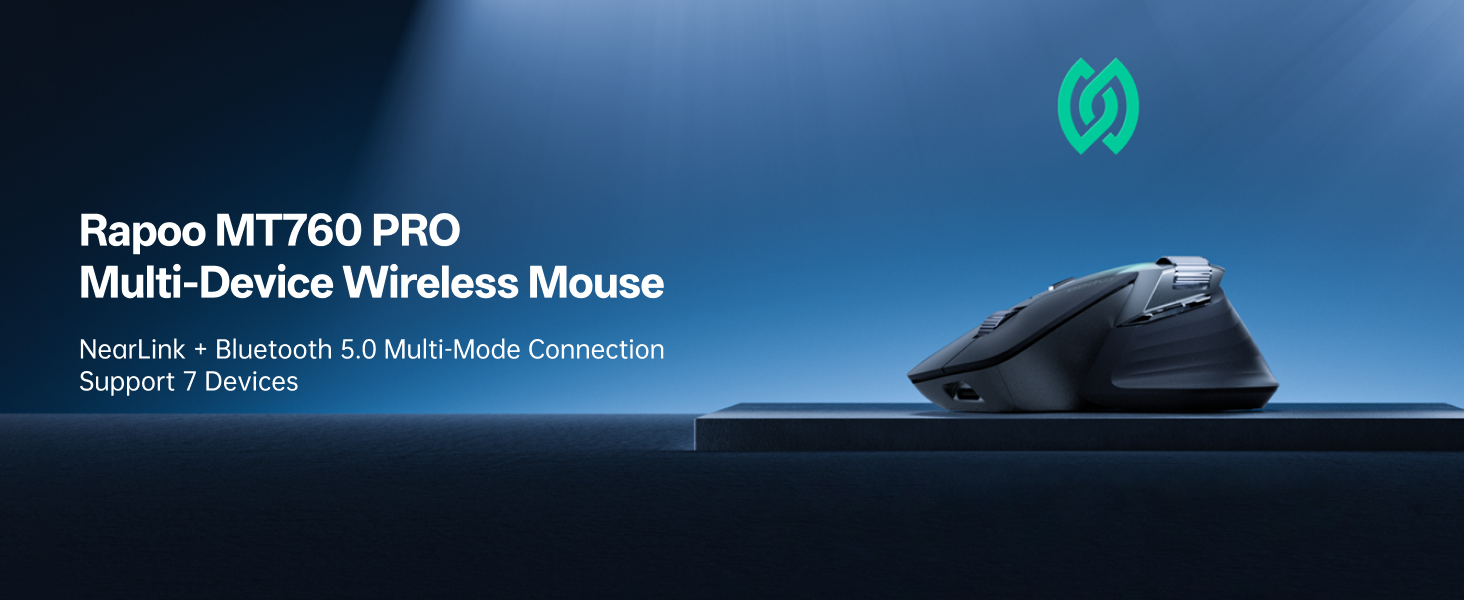
 NearLink: A New Short-Range Transmission Solution
60% lower power consumption, 6x higher speed, 1/30 delay, 7dB higher anti-interference ability.
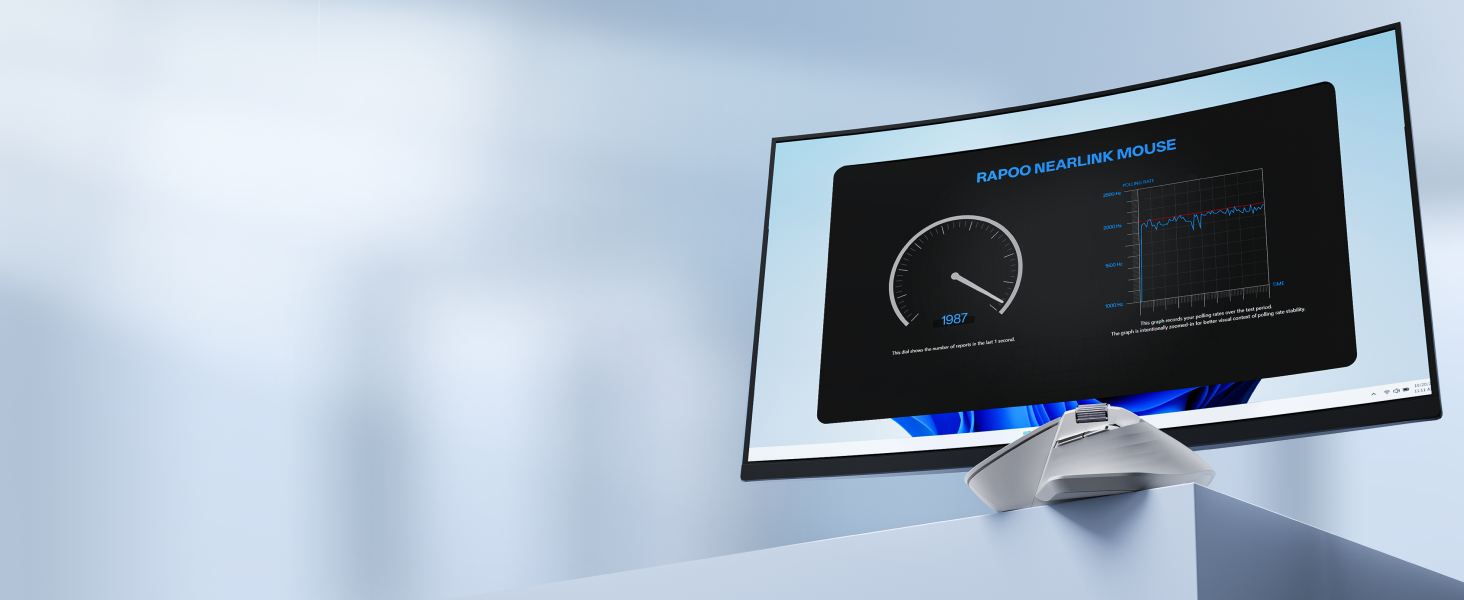 Remastered For The Pro
Now with 12K pixel-level precision, and 2000Hz ultra-low latency wireless polling.
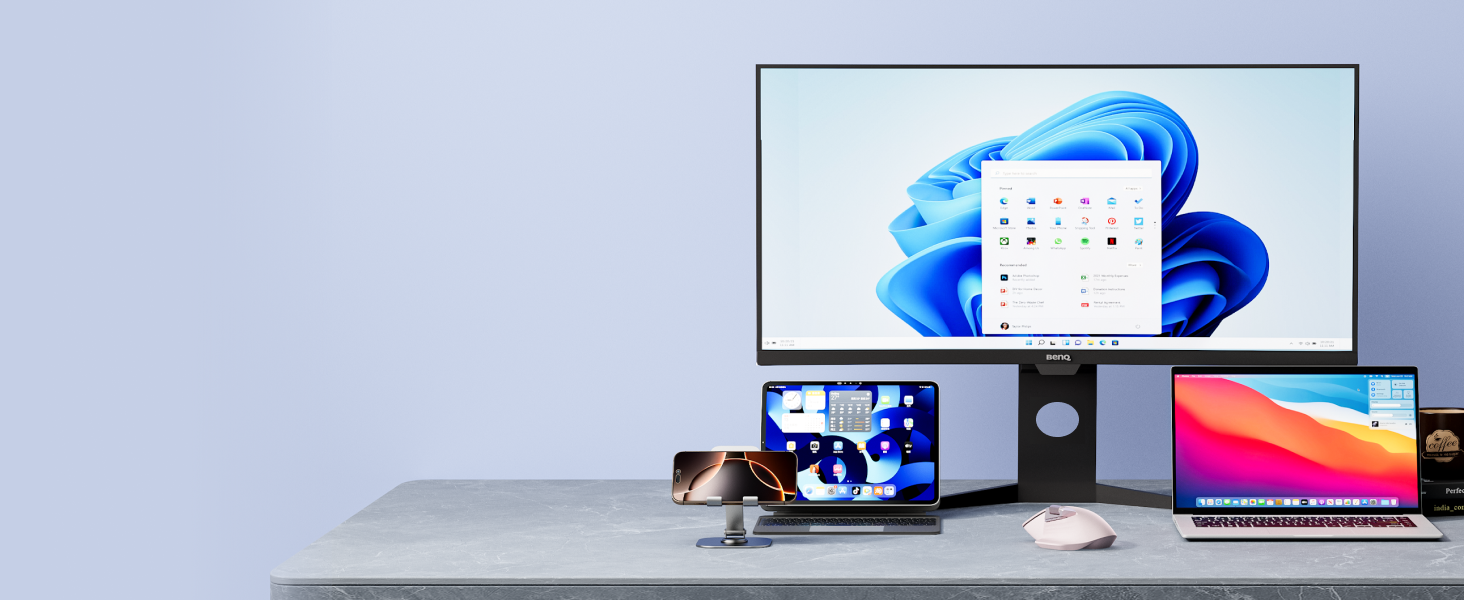 NearLink + Bluetooth 5.0 + Wired Option
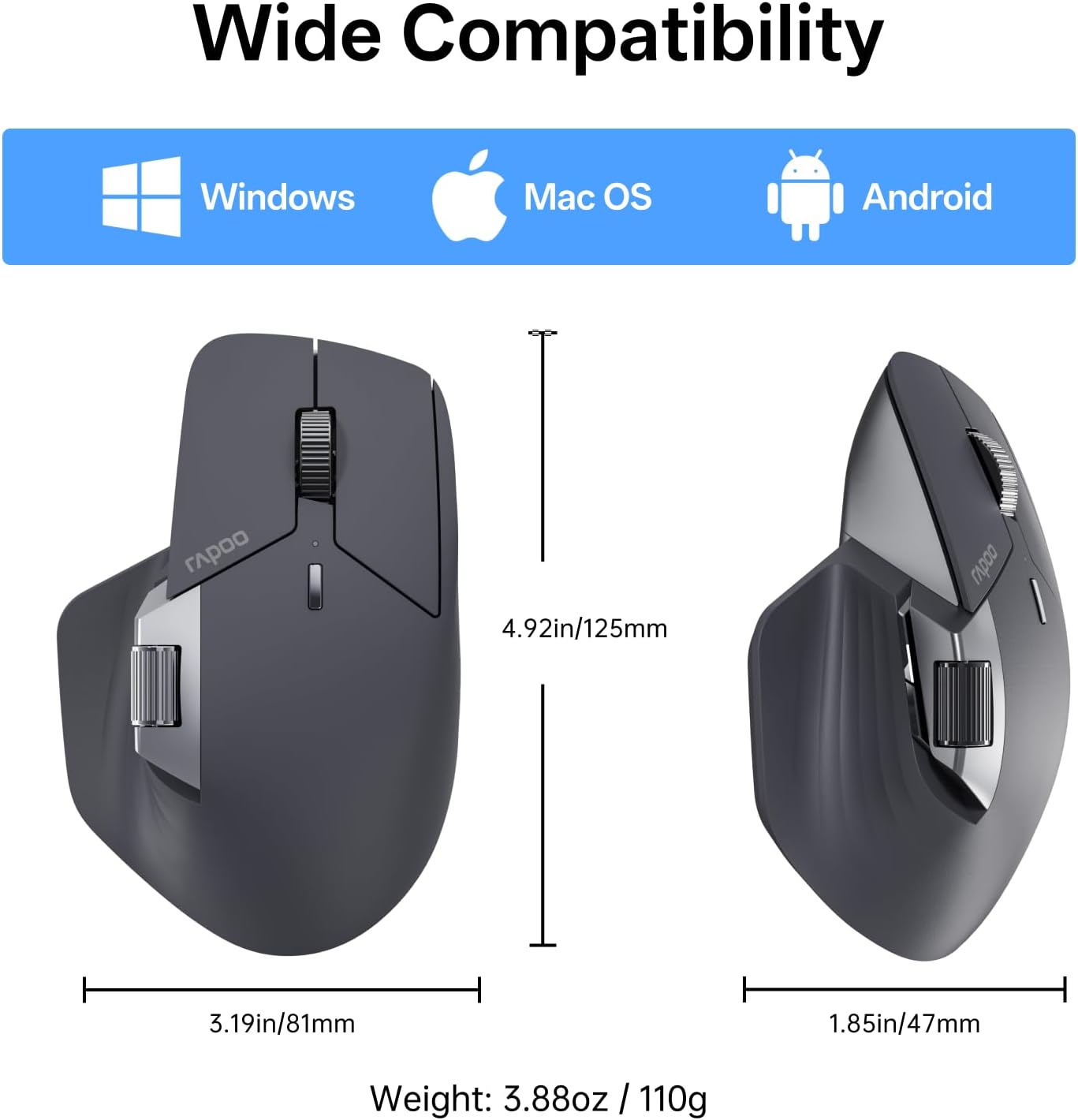
All-in-one solution for multi-taskers on Windows, Mac, Chrome, Android – max support 7 devices.
1 Next-Gen Wireless Tech
2 12K DPI Sensor
3 Multi-Device & OS
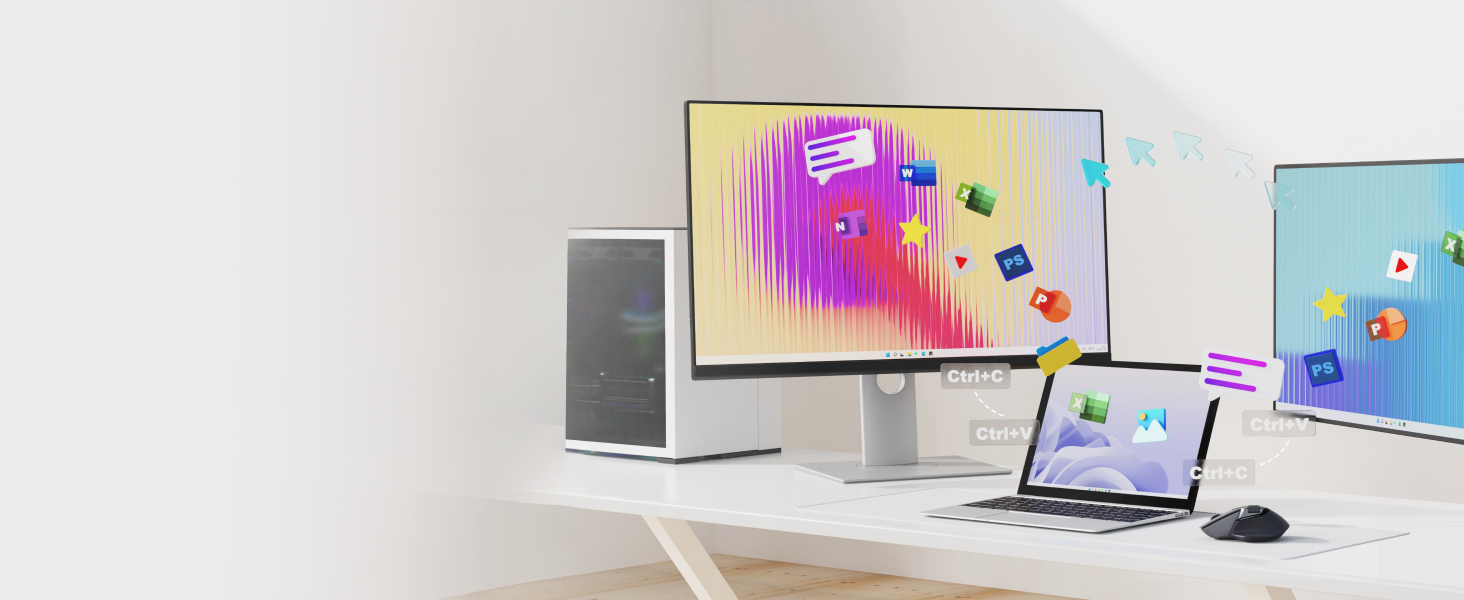 Flow Between Screens
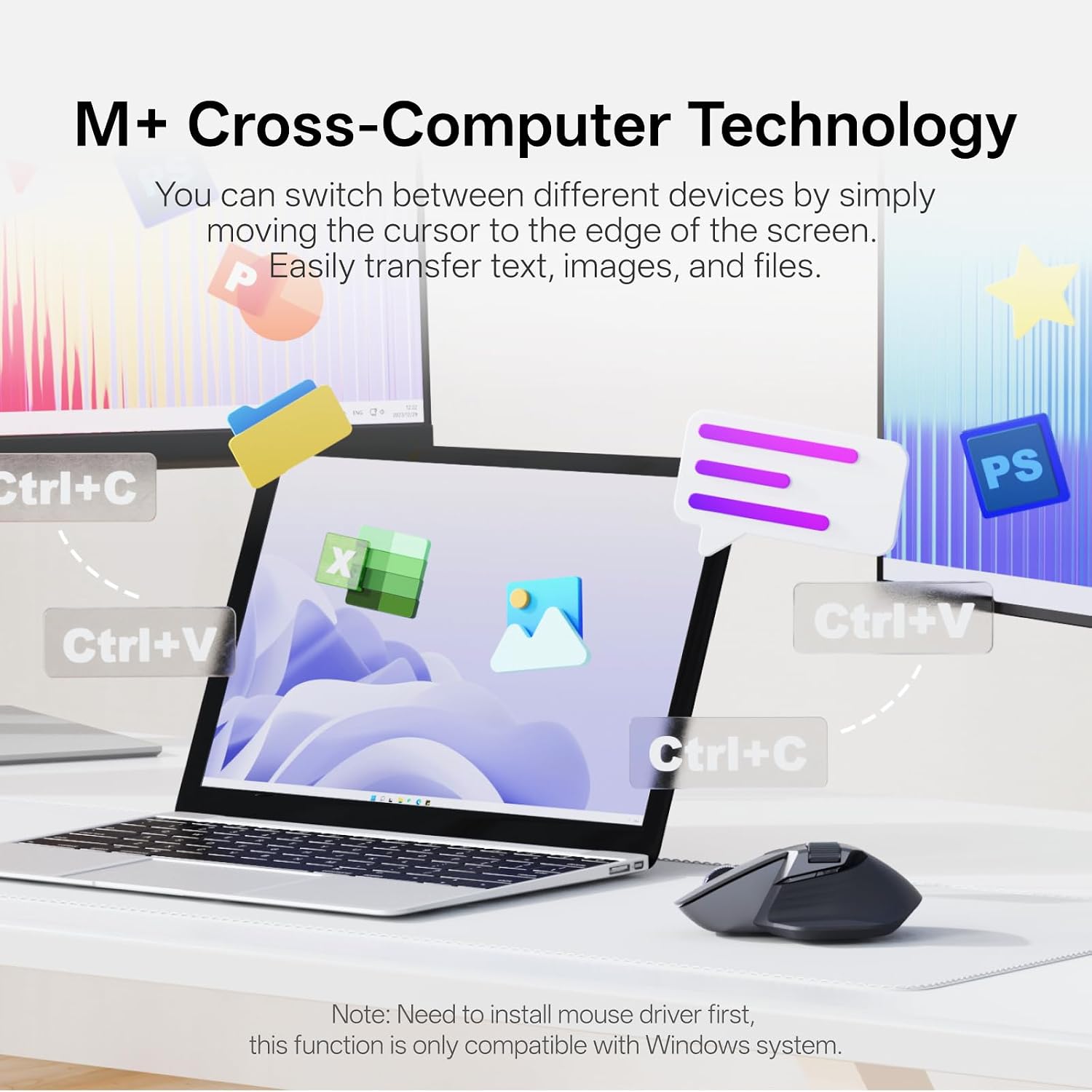
Flow the cursor by simply moving to screen edge, transfer text, images, and files between computers.
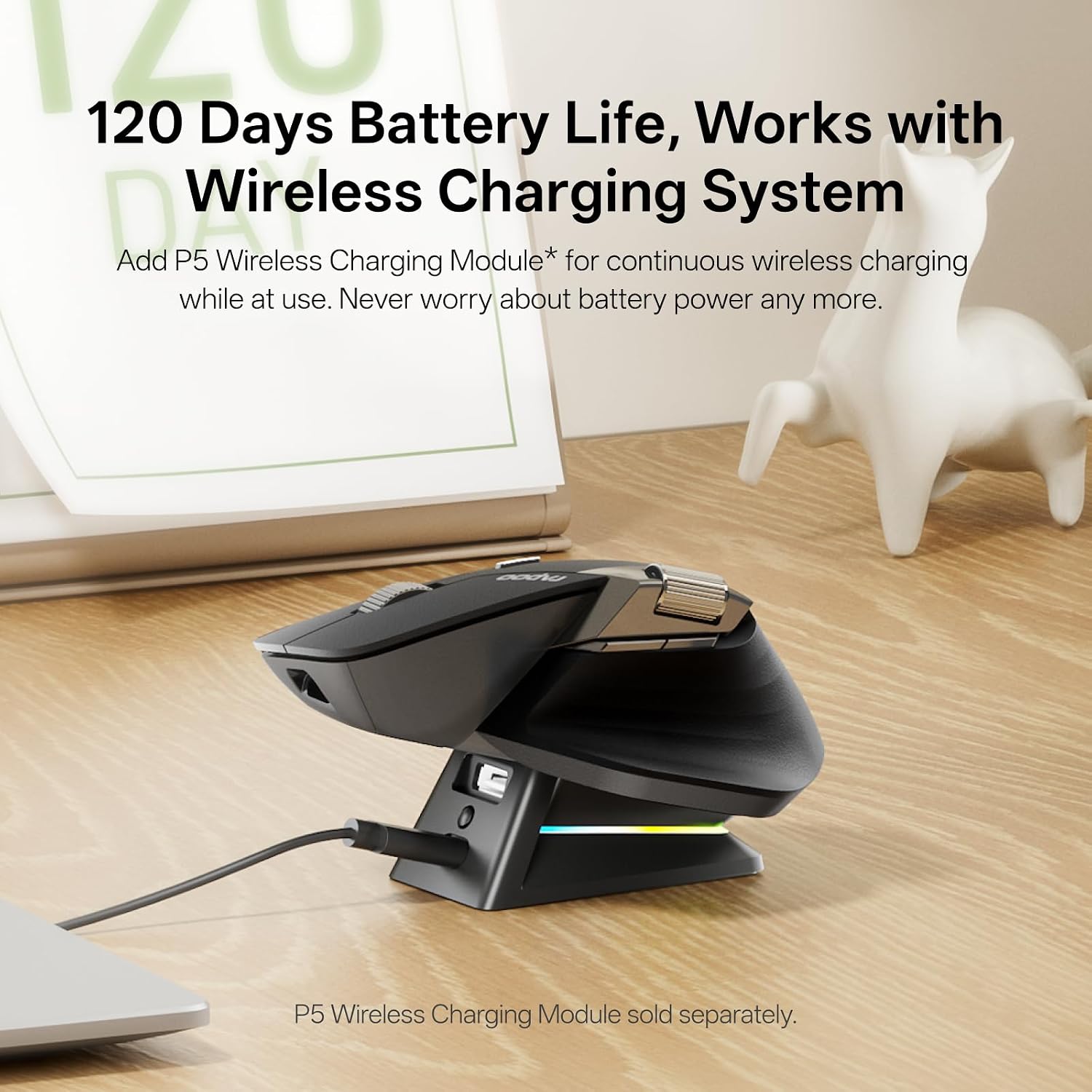
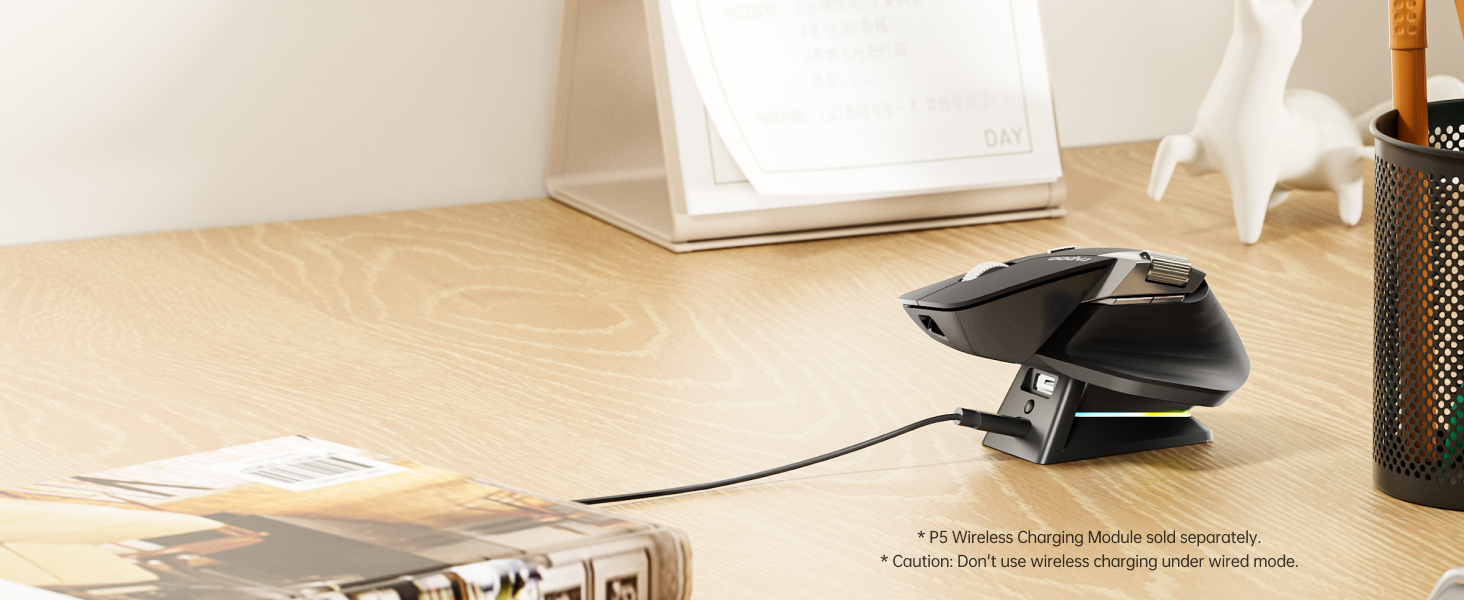 Support QI Wireless Charging
Add P5 Wireless Charging Module* for continuous wireless charging while at use.
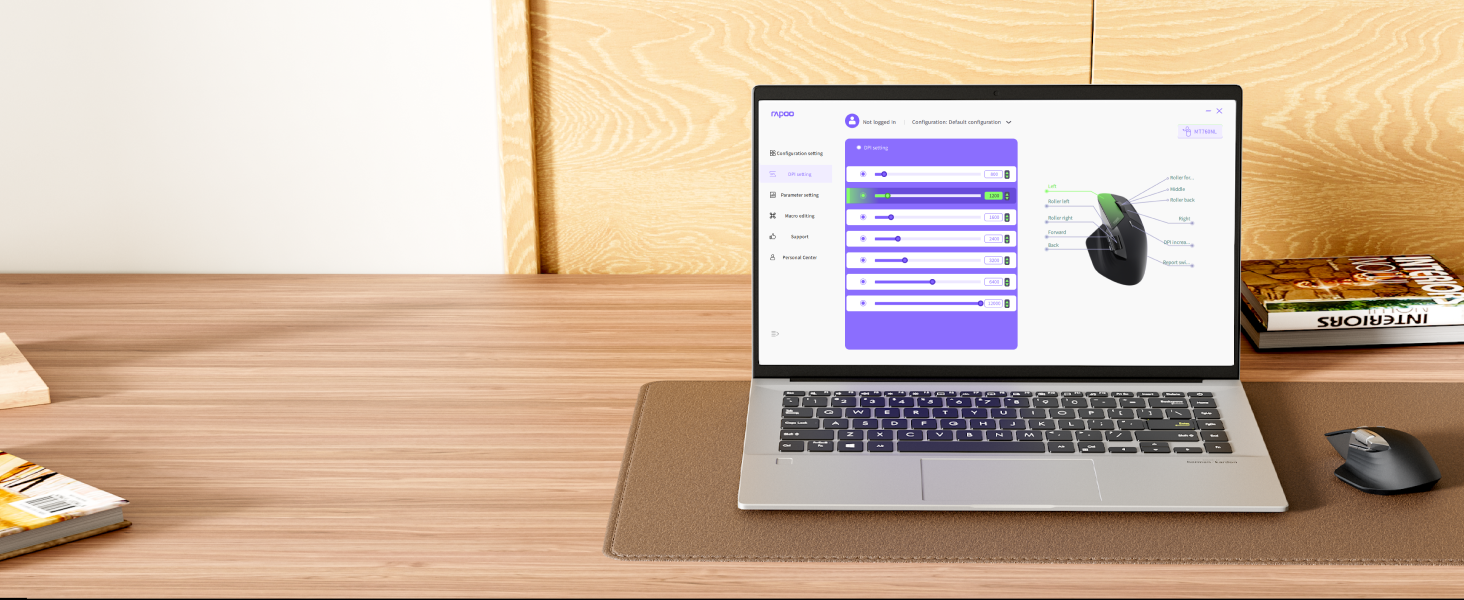 Programmable with On-board Memory
Streamline your workflow or gaming sessions with shortcuts, media keys and macros – stored in mouse.
1 M+ Cross-Computer
2 Qi Wireless Charging
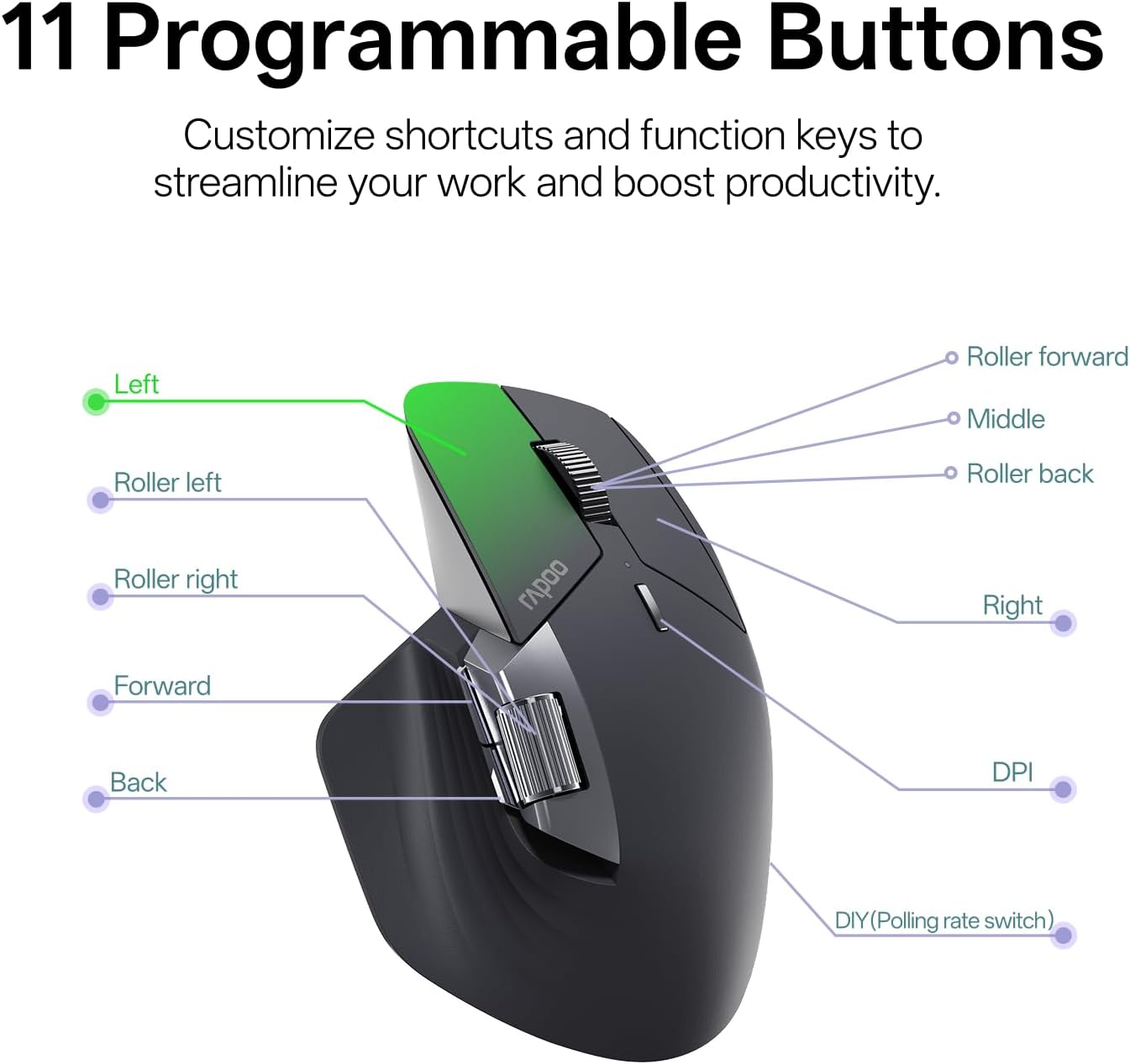
3 11 Programmable Buttons
 Silent yet Tactile Clicks
Near-silent, soft but distinctive click that reduces noise by 90%.
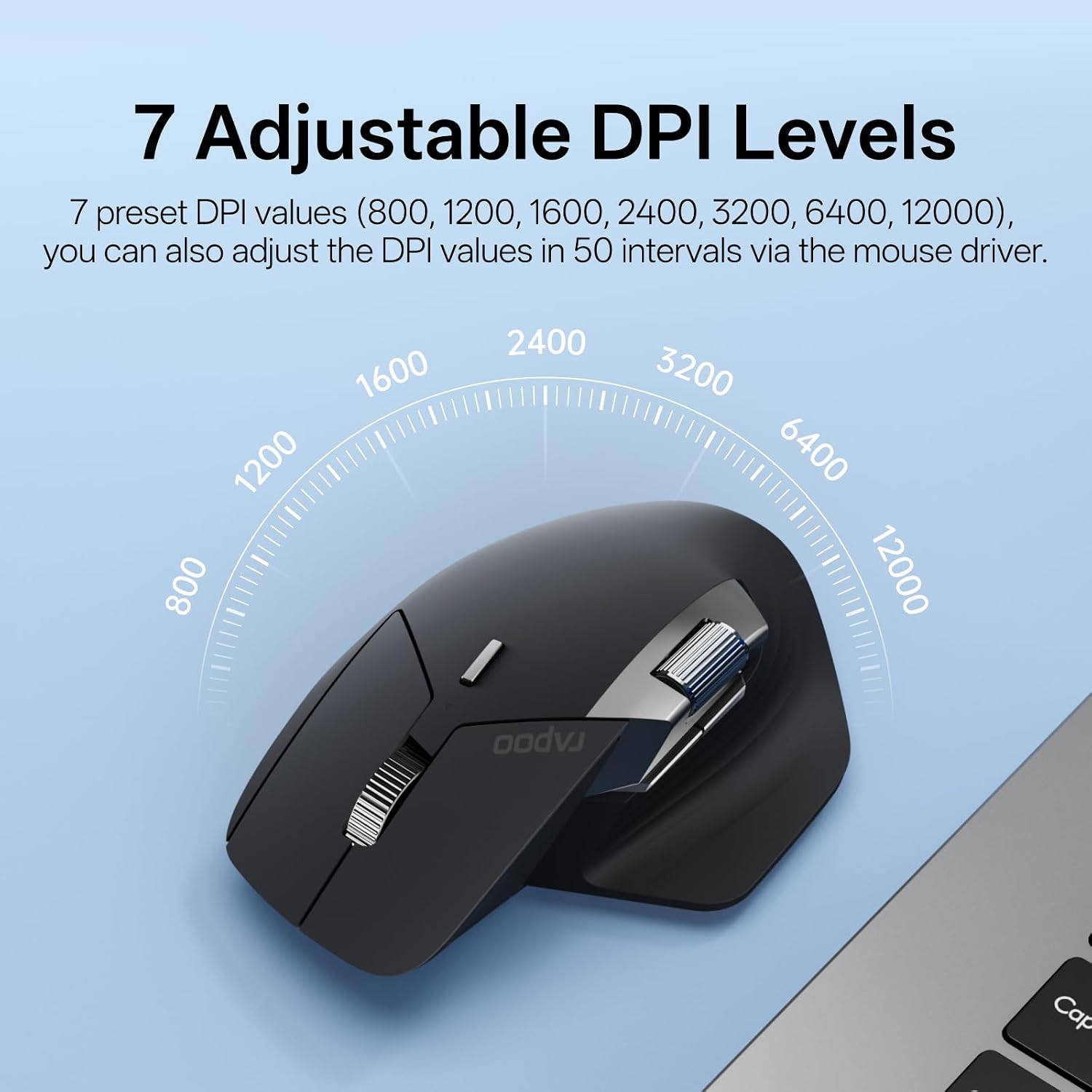
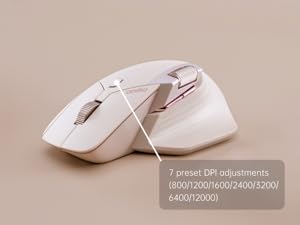 7 Adjustable DPI Levels
7 preset DPI values (800/1200/1600/2400/3200/6400/12000), adjustable in 50 intervals via the mouse driver to balance precision and quickness.
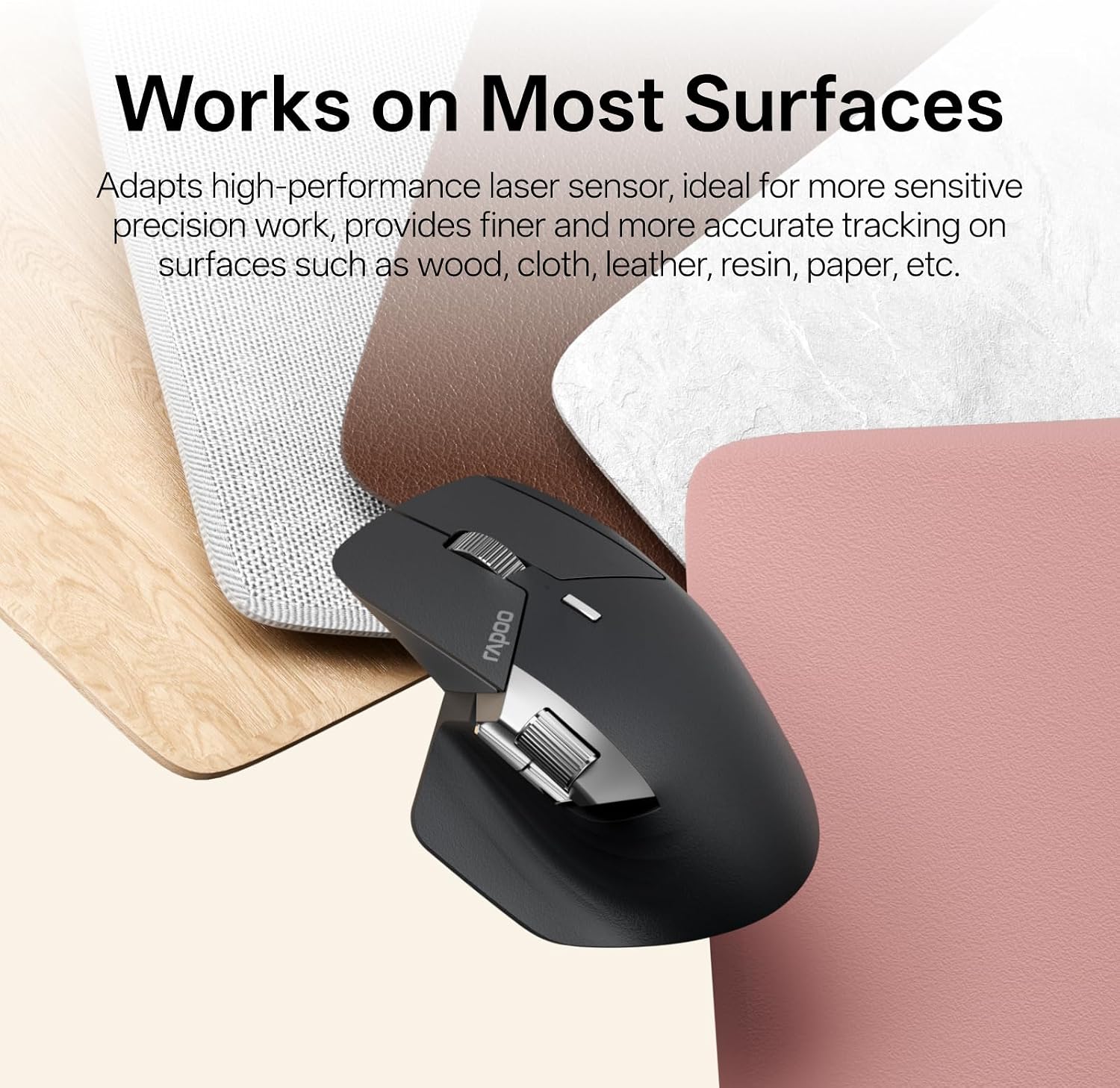
 Works on Most Surfaces
Hi-performance laser sensor provides smooth tracking on most surfaces like wood, cloth, leather, resin, paper, etc. [Not suitable for glass or mirror]
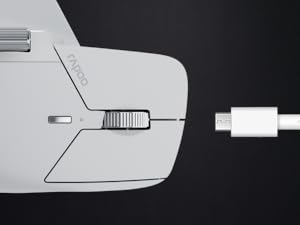 120 Days Battery Life
Utilizes SLE low-power technology to prolong the battery life up to 120 days. And the USB-C provides a whole day of use from a 5-minute quick charge.
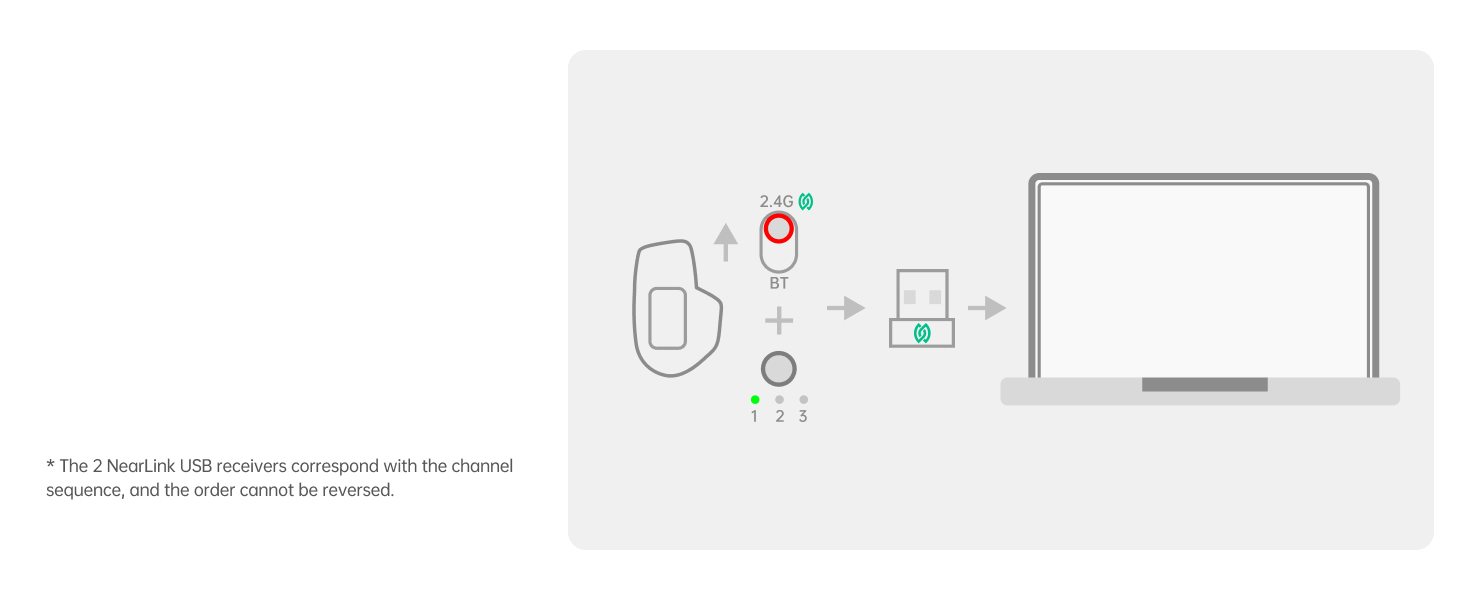 Connect via USB
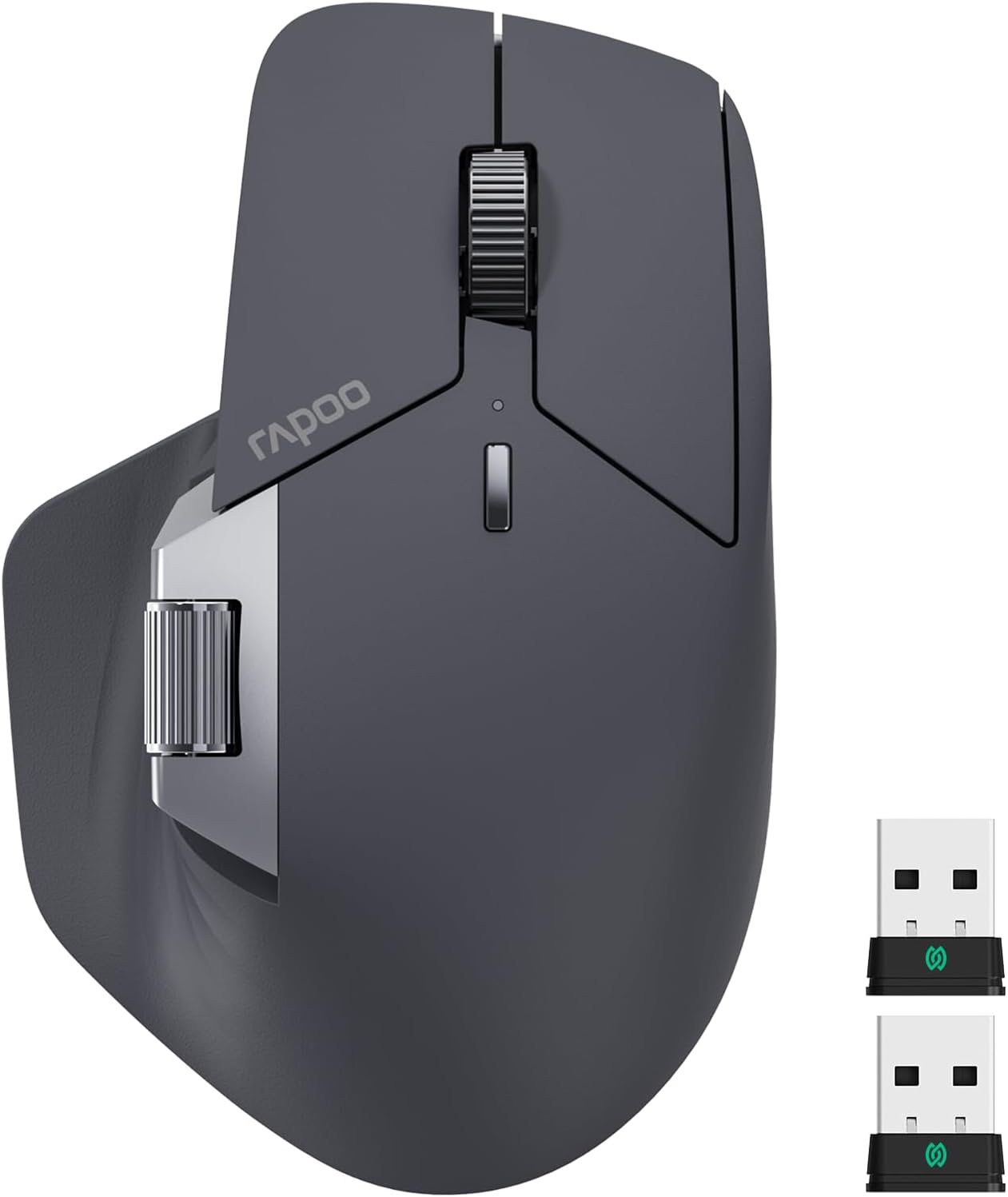
Switch to NearLink mode, pair the #1 USB (in mouse) and #2 NearLink USB (in box) to Channel 1 and 2.
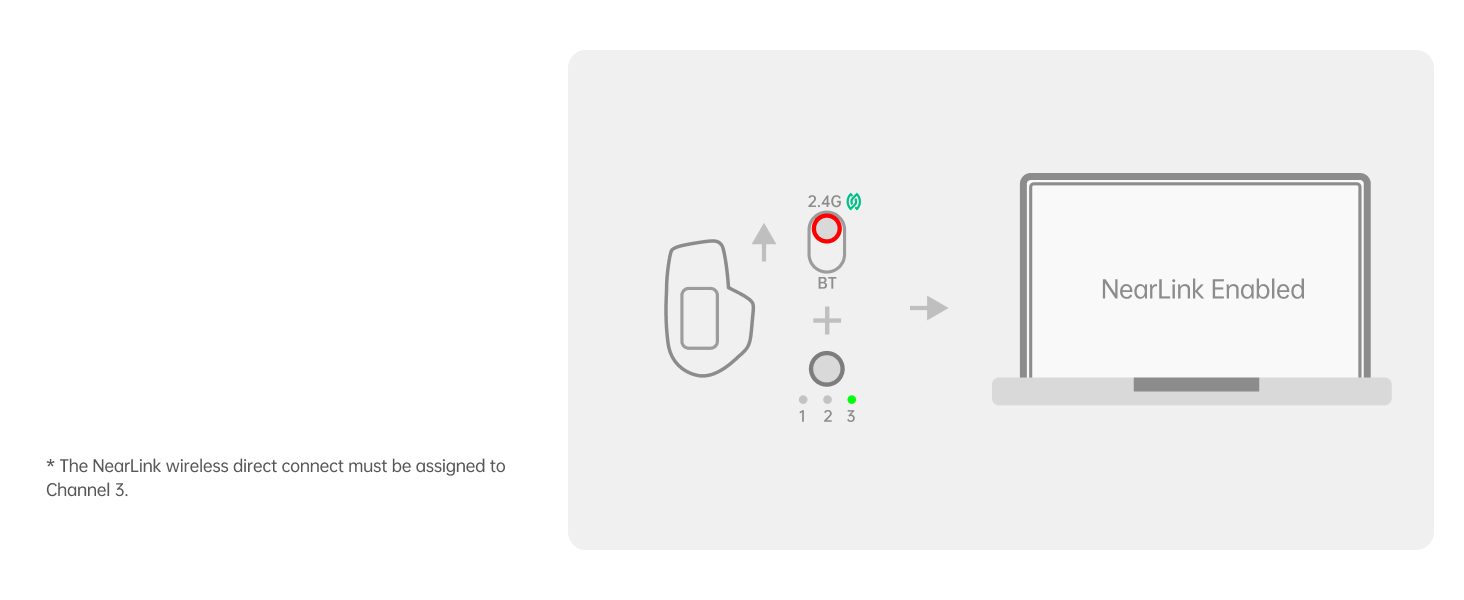 Direct Connect
Switch to Channel 3, then pair the mouse with other NearLink Enabled device.
 Connect via BT
Switch to Bluetooth mode, then pair the mouse with up to 3 Bluetooth devices (Channel 1, 2, 3).
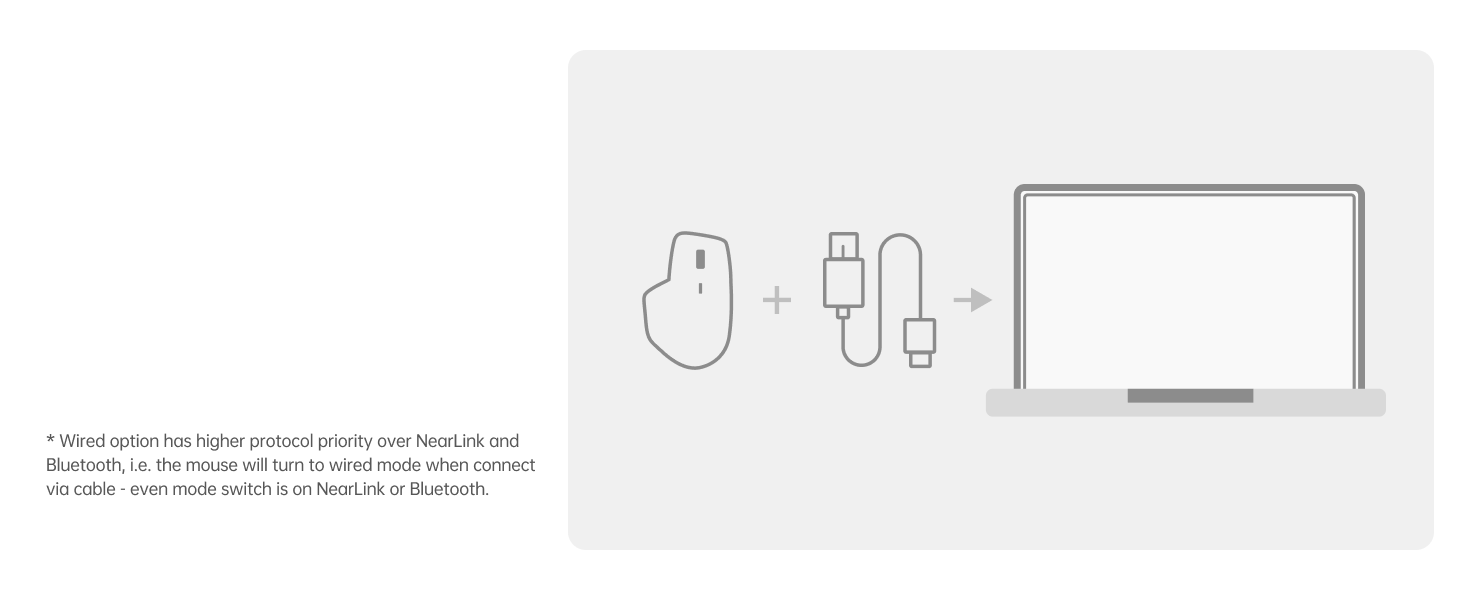 Connect via Wired
Insert the included USB-C to USB-A cable to get a wired connection.
How to connect MT760 PRO with tri-modes (NearLink/Bluetooth/wired option)
1 NearLink (USB) 2 NearLink (Wireless) 3 Bluetooth Mode 4 Wired Option
MT760 PRO
MT Multi-Device Mice
NearLink + BT 5.0
Wireless Technology
BT 5.0 + 2.4G
12000
DPI
4000
2000Hz
Polling Rate
1000Hz
3*NL, 3*BT, Wired
Multi-Device
3*BT, 2*2.4G, Wired
11
Programmable Buttons
11
Yes
M+ Cross-Computer
Yes
Yes
Wired Option
Yes
NearLink + BT 5.0
Wireless Technology
BT 5.0/3.0 + 2.4G
12000
DPI
3200
2000Hz
Polling Rate
125Hz
3*NL, 3*BT, Wired
Multi-Device
3*BT, 1*2.4G
11
Programmable Buttons
8
Yes
M+ Cross-Computer
No
Yes
Wired Option
No
MT760 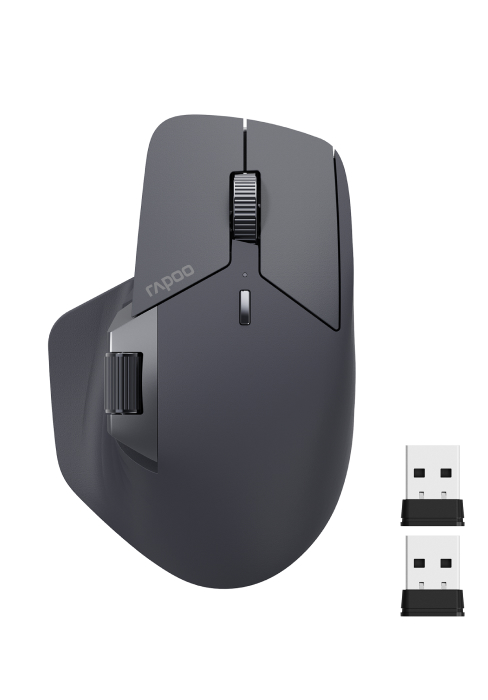
MT750 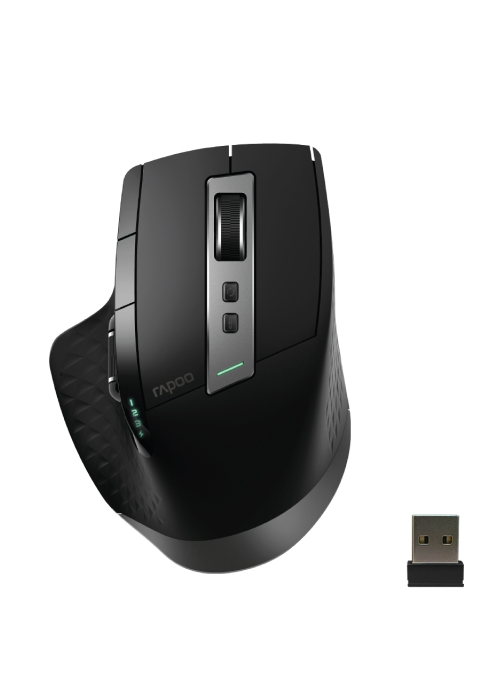
What’s the advantage of NearLink?
High speed (6x of WiFi, 1500x of Bluetooth); Low latency (1/30 of traditional wireless technology); 60% lower power consumption; 7dB stronger anti-interference ability; High concurrency (max support 4096 IoT devices), vs BT of 8, and WiFi of 256.
Does this driver software support Mac?
Of course, download the Mac version driver from the official website and add the mouse driver in [Accessibility] settings, then you can start setting up.
Why is the scroll wheel scrolling in opposite directions?
For Windows system, please set the scrolling direction to [Down motion scroll down]; For Mac OS, please set the scrolling direction to [Natural].
Why does the left button register as right click, and the right button register as left click?
Please check your mouse settings, and select your primary button as [Left].
Why does the Bluetooth disconnect or fail to reconnect after computer enter sleep mode?
For Windows: [Device Manager] – [Bluetooth Adapter] – uncheck [Allow the computer to turn off this device to save power] and check [Allow this device to wake the computer]; For Mac OS:[Accessories] – [Allow accessories to connect] as [Always allow].
【Next-Gen Wireless Technology】MT760 PRO adapts a new generation wireless technology – NearLink, which integrates the advantage of traditional Bluetooth and WiFi, and is even better in performance – including 60% lower power consumption, 6x higher speed, 1/30 delay, 7dB higher anti-interference ability.
【Multi-Device & Multi-OS】Connect up to 7 devices: 2 * NearLink USB, 1 * NearLink Wireless, 3 * Bluetooth, 1 * Wired Option. All-in-one solution for multi-taskers on Windows, Mac, Linux, Chrome, Android operating system desktop, laptop, tablet, phone.
【M+ Cross-Computer】Seamless flow between screens by simply moving the cursor to the edge, wireless transferring files by copying from one computer and pasting on the other.
【Ultra-Low Latency】Featuring 12K DPI and 2K polling sensor, unlock new possibilities for graphic design and immersive gaming tasks, where high precision cursor control and nearly real-time response with unnoticeable delay are required.
【11 Programmable Buttons with On-Board Memory】Streamline your workflow or gaming sessions with shortcuts, media keys and macros. The on-board memory can store all your settings in the mouse, avoiding the inconvenience of reconfiguration after reboot, as well as reducing CPU and hardware occupation from running a mouse driver all the time.
【7 Adjustable DPI Levels】Preset 800/1200/1600/2400/3200/6400/12000 DPI with 50 interval adjustments via mouse driver, you can balance precision and quickness for different monitors and switch your DPI settings with one-button clicks.
【120 Days Battery Life】Utilizes NearLink’s low-power access mode (SLE), which consumes 60% less power to prolong the battery life up to 120 days. And the USB-C provides a whole day of use from a 5-minute quick charge.
【Wireless Charging Enabled】Works with most Qi wireless charging mouse pads, enjoy an effortless power boost while at use, and embrace the convenience of cord-free charging. [Need to purchase P3 Wireless Charging Module separately]





Reviews
There are no reviews yet.