
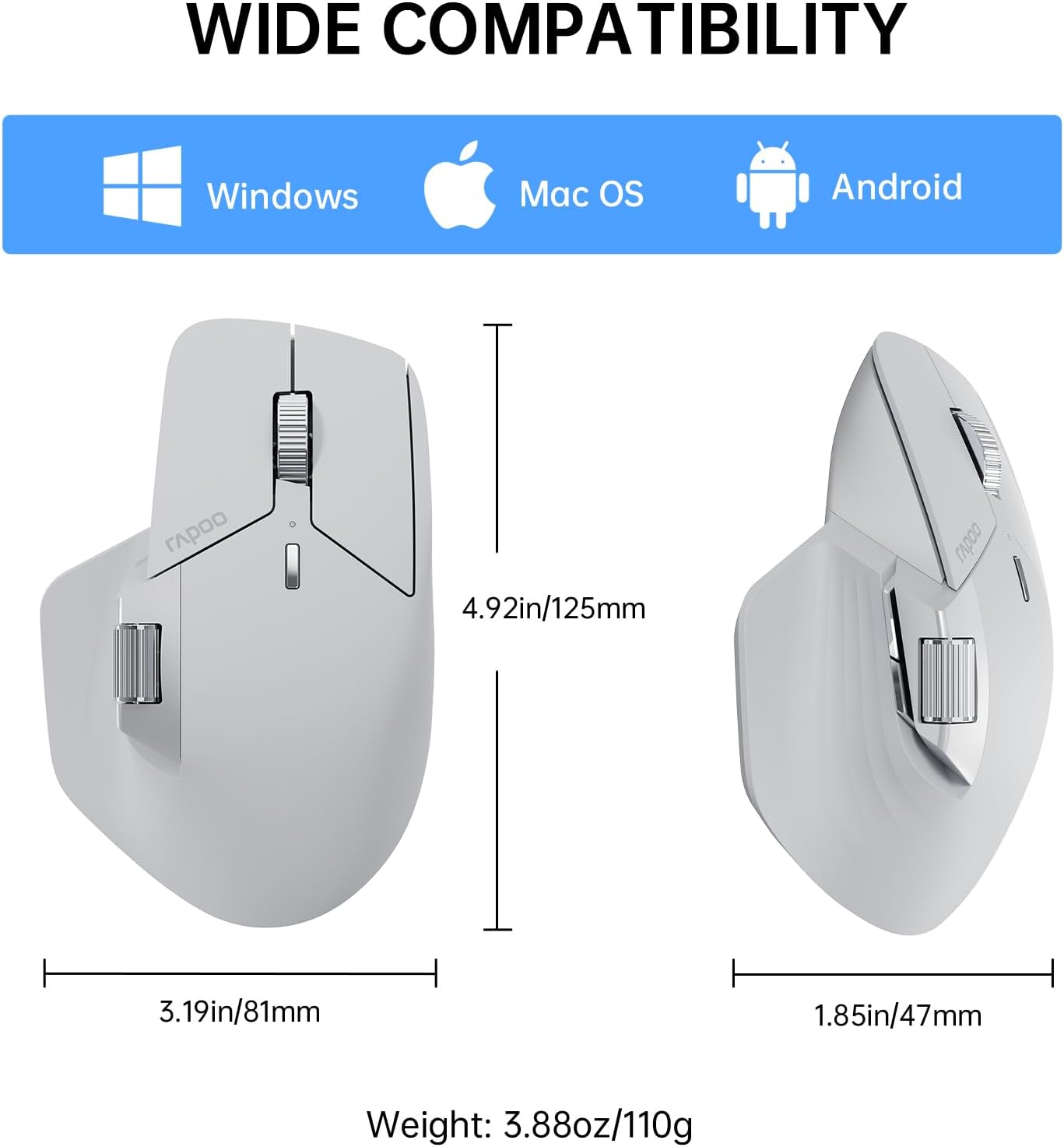
Description
Product description
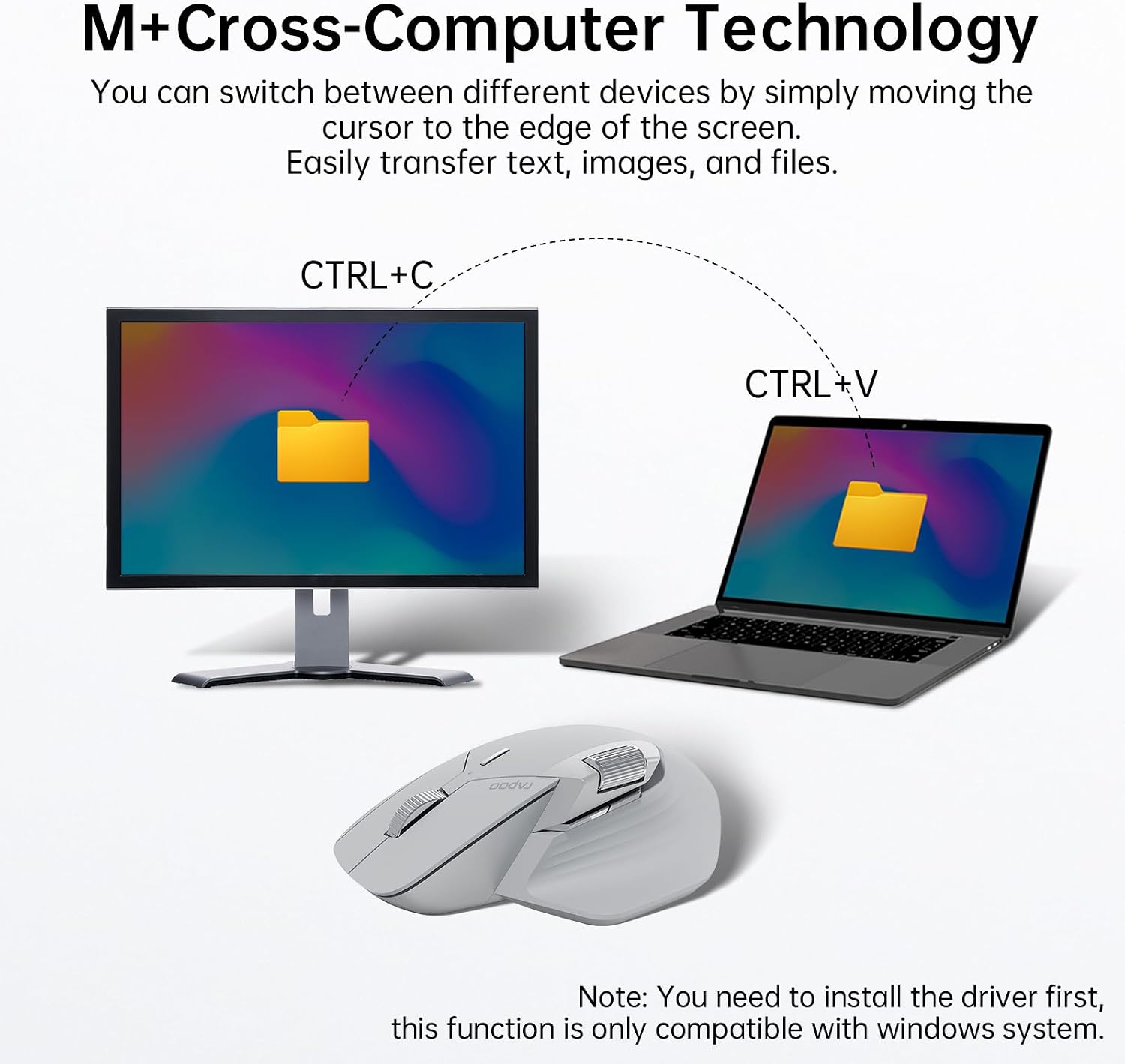
 Rapoo M+ Cross-Computer Technology
Flow the cursor by simply moving to screen edge, transfer text, images, and files between computers.
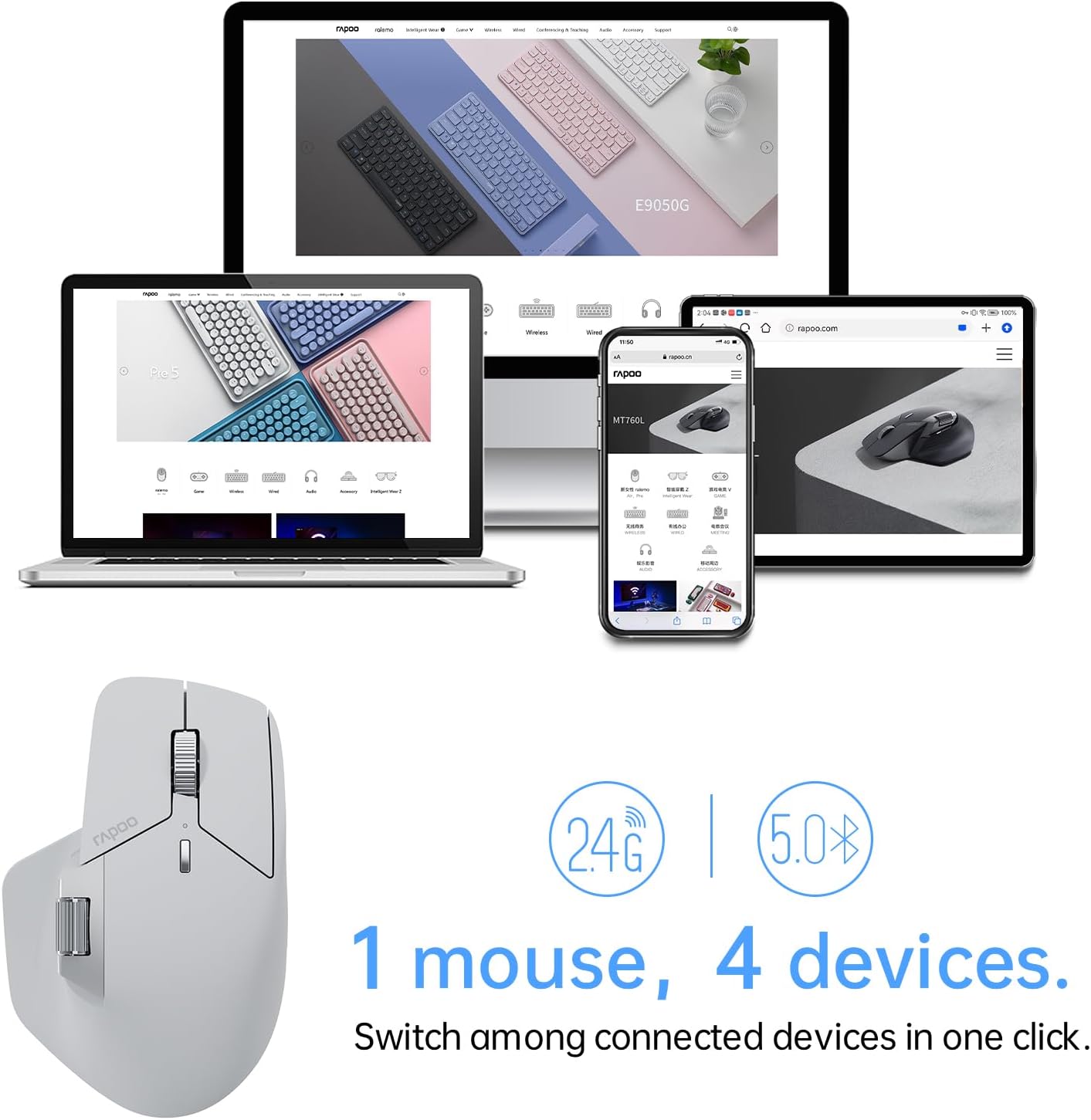
 Multi-Device Wireless Connectivity
2.4GHz + Bluetooth 5.0 multi-mode connectivity, the only mouse that supports 4 devices out there.
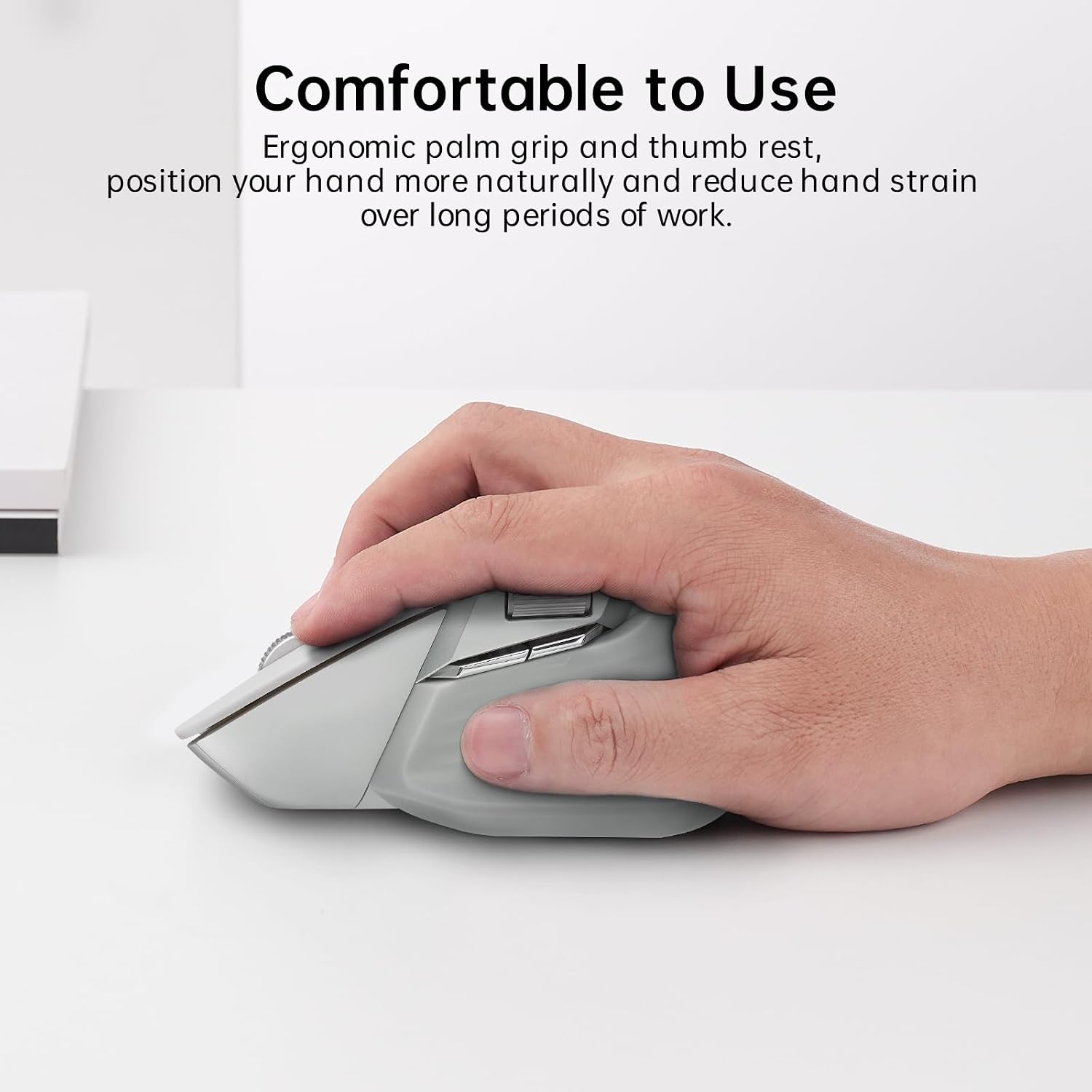
 Ergonomic Design, Comfortable to Use
Silhouette crafted shape for natural wrist posture, reduce hand strain over long periods of work.
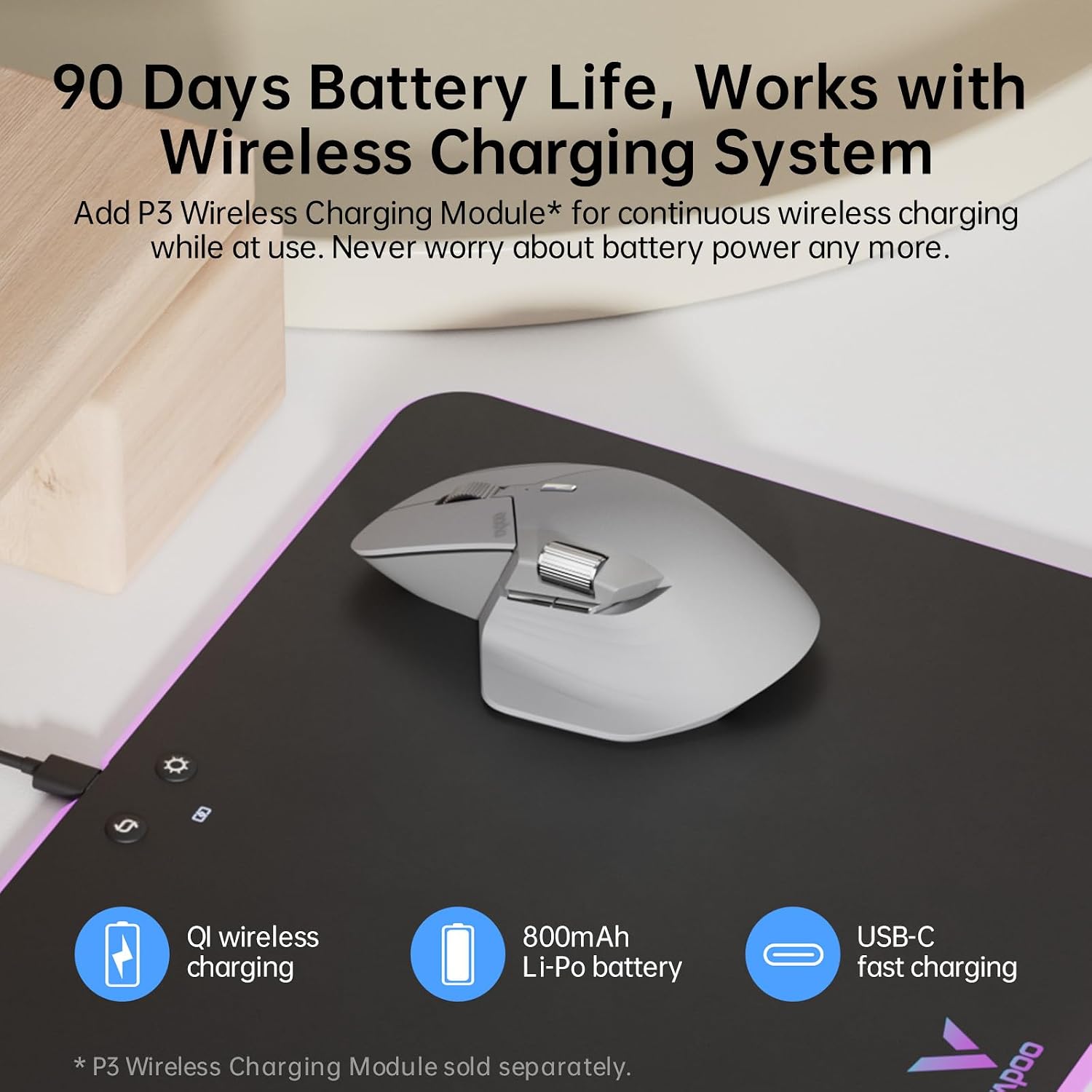
 Support QI Wireless Charging
Add P3 Wireless Charging Module* for continuous wireless charging while at use.
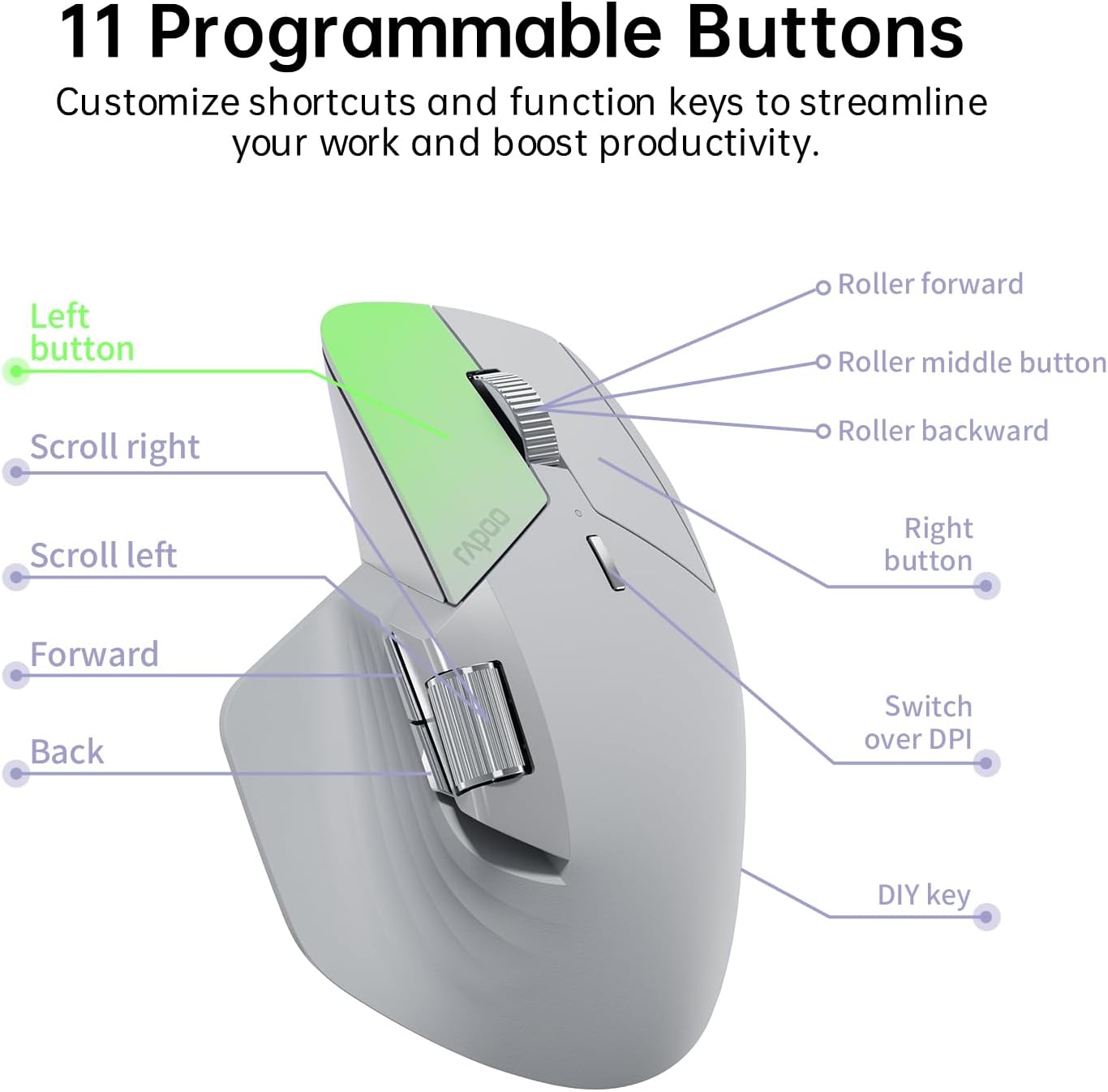
 11 Programmable Buttons
Customize shortcuts and function keys to streamline your work and boost productivity.
1 M+ Cross-Computer
2 Multi-Device Wireless
3 Ergonomic Design
4 QI Wireless Charging
5 11 Programmable Buttons
 Silent Clicks
The upgraded keys produce a near-silent, soft but very distinctive click that reduces noise by 90%.
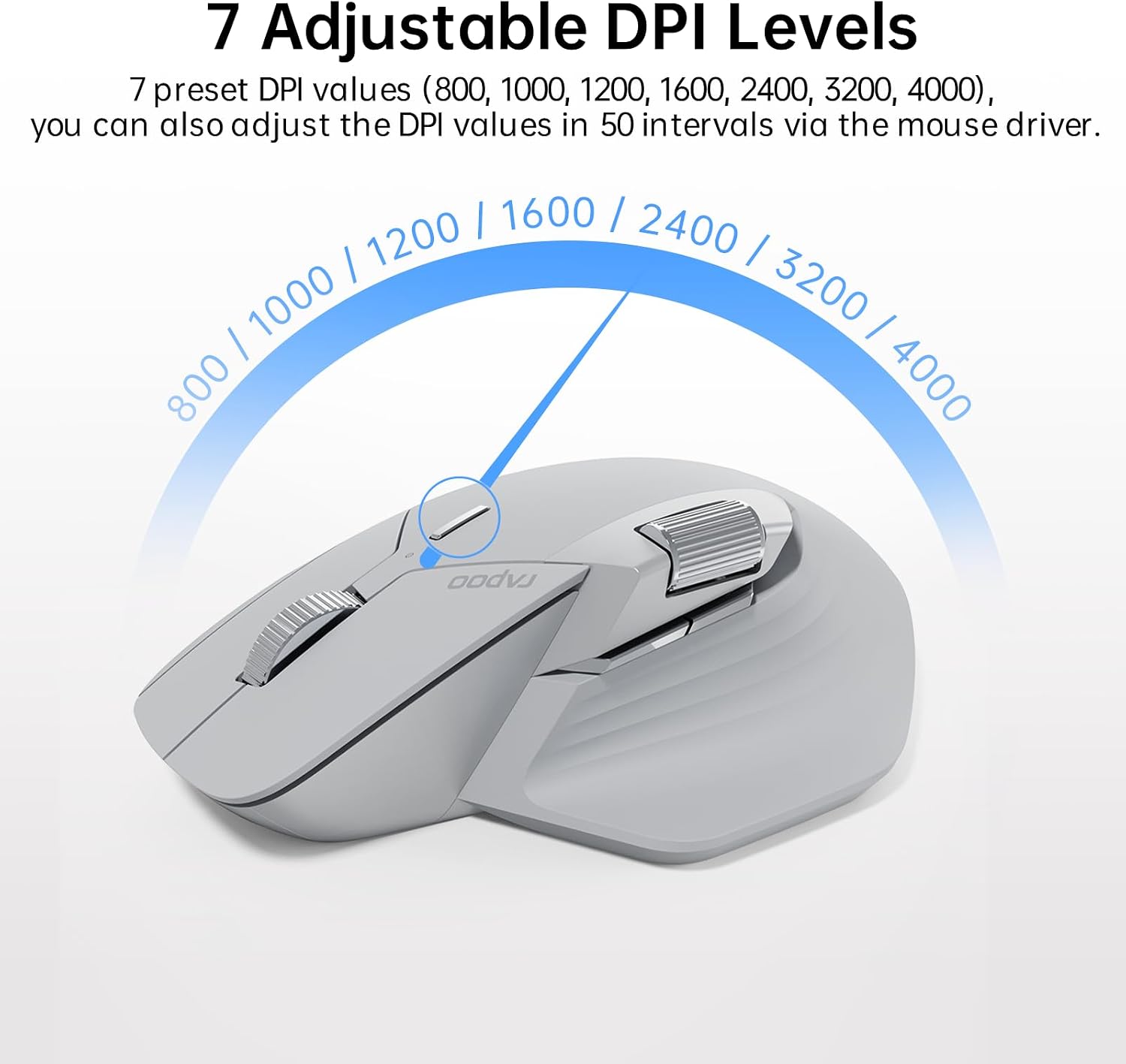
 7 Adjustable DPI Levels
7 preset DPI values (800, 1000, 1200, 1600, 2400, 3200, 4000), adjustable in 50 intervals via the mouse driver to balance precision and quickness.
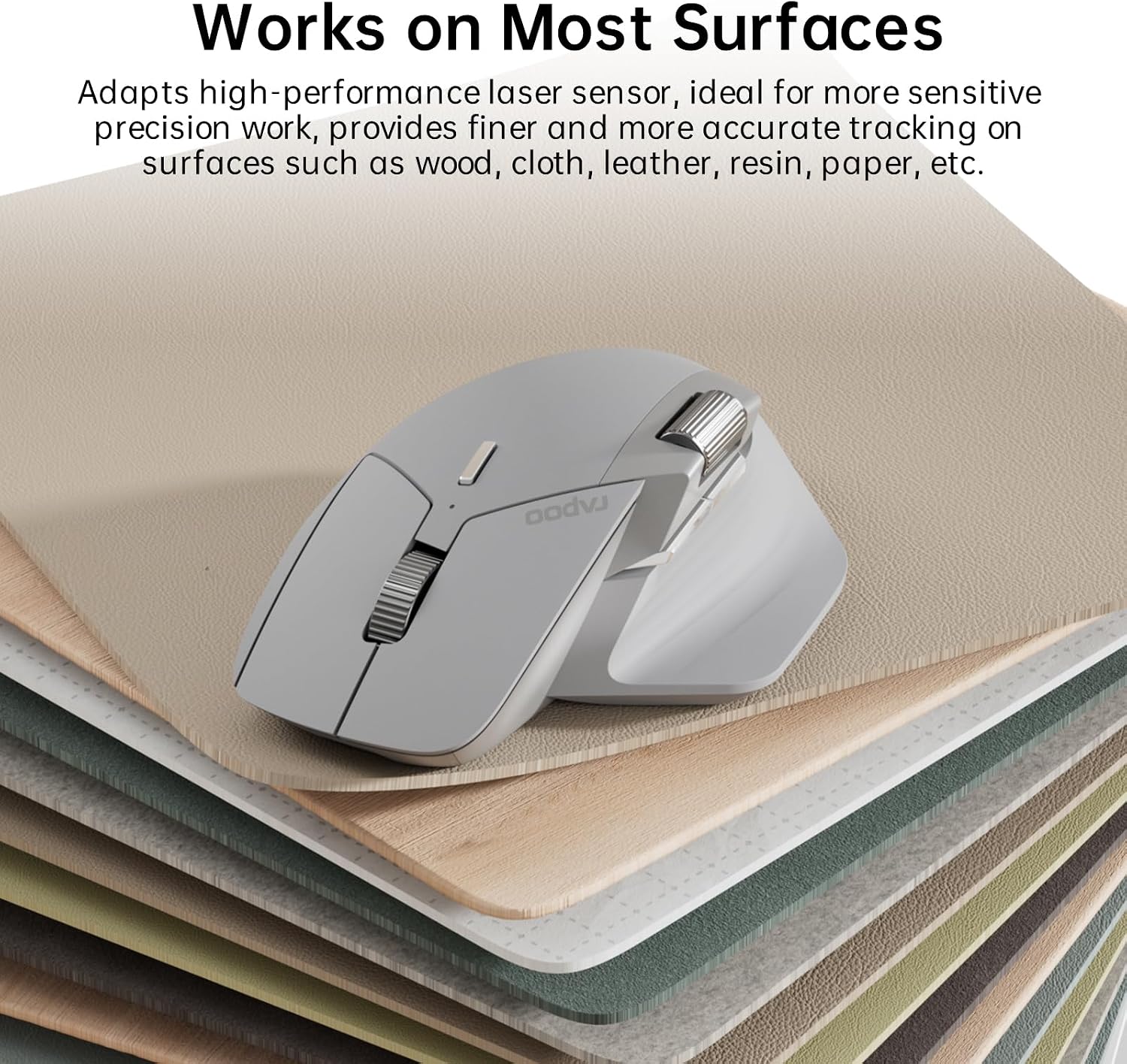
 Works on Most Surfaces
High-performance laser sensor provides more accurate and precise tracking on most surfaces like wood, cloth, leather, resin, paper, etc.
 90 Days Battery Life
800mAh Li-Po battery, full charge lasts up to 90 days. USB-C quick charge in 5 minutes for a whole day of use.
 Step 1
Download MT760 driver from Rapoo download center, then install the driver.
 Step 2
Select [2.4G Mode], follow the instructions to pair the USB receiver with the mouse.
 Step 3
Select a button, then assign shortcut or function key. To cancel, click [Restore default].
 Step 4
Pair the mouse to computers (same network) via USB receivers, turn to LAN mode, open Cross-Screen.
 Step 5 (Optional)
Select [Restore factory settings] to clear all your settings and reset the mouse to default.
How to Set Rapoo MT760 Wireless Mouse?
1 Install Driver 2 Pair USB Receivers 3 Program Buttons 4 Cross-Computer 5 Restore Settings
 CREATE YOUR WORK FROM HOME SETUP
Enjoy the whisper-quiet typing and clicking, easily hop across 4 devices, improve your workflow and productivity with a compact numpad layout.
 E9310M Multi-Device Wireless Keyboard
0.2-in ultra-thin degisn, alloy frame with matte finish, stylish combination of thin, sharp and minimalism.
 MT760 MULTI-DEVICE WIRELESS MOUSE
Ergonomic, programmable and rechargeable. The only mouse that supports 4 devices, 90 days battery life.
What is the difference between the standard and mini versions?
The only difference between them is the size, otherwise there is no difference in terms of functionality, the standard version is suitable for medium to large hands and the mini version is suitable for small hands.
Does this driver software support Mac?
Of course, download the Mac version driver from the official website and add the mouse driver in [Accessibility] settings, then you can start setting up.
Why is the scroll wheel scrolling in opposite directions?
For Windows system, please set the scrolling direction to [Down motion scroll down]; For Mac OS, please set the scrolling direction to [Natural].
Why does the left button register as right click, and the right button register as left click?
Please check your mouse settings, and select your primary button as [Left].
Why does the Bluetooth disconnect or fail to reconnect after computer enter sleep mode?
For Windows: [Device Manager] – [Bluetooth Adapter] – uncheck [Allow the computer to turn off this device to save power] and check [Allow this device to wake the computer]; For Mac OS:[Accessories] – [Allow accessories to connect] as [Always allow].


1 Trustworthy
2 Certified Compliance
3 Dependable Performance
【Multi-Device Wireless Bluetooth Mouse】Rapoo MT760 supports bluetooth 5.0 and 2.4GHz multi-mode connection, which can be used to switch back and forth between office computer/laptop/cell phone/ipad via bluetooth or the included USB dongle, and the low-power, low-latency, and high-efficiency bluetooth wireless mouse allows you to face all kinds of complicated matters with ease.
【7 Adjustable DPI & M+ Cross-Computer Technology】Rapoo wireless mouse preset 800/1000/1200/1600/2400/3200/4000 seven DPI value, through the DPI button a key to adjust to meet different personal use needs. Seamlessly use and control multiple computers by moving the cursor to the edge of your screen, automatically switch between screens to finish multi tasks at the same time. [Need to install mouse driver and connect your computers to the same Wi-Fi or Ethernet].
【Bluetooth Mouse with Side Scroll & Ergonomic Design】The cordless bluetooth mouse has a Hall magnetic induction side scroll wheel and a 1000,000 times scale feel center button scroll wheel for smooth and convenient office work. Ergonomic bow-back design, thumb support, anti-slip and anti-sweat, full support, comfort and ease of use. Fits all grips and hand sizes, especially for people with bigger hands.
【11 Programmable Buttons & Wireless Charging Enabled】Assign shortcuts, media keys, or macros to streamline your work and boost efficiency.Works with most Qi wireless charging mouse pads, enjoy an effortless power boost while at use, and embrace the convenience of cord-free charging. [Need to purchase P3 Wireless Charging Module separately]
【Ultra-Long Battery Life & Shop with confidence】800mAh li-po battery, USB-C quick charge, lasts up to 90 days. [Battery life may vary on use frequency and device conditions];We are the designer and manufacturer, we have been engaged to providing the good products to our customers.






Reviews
There are no reviews yet.