
Description
Product description


Online Web Software (Chrome)
How to Connect Software
Visit the official “AULA” website..Go to the “Downloads” section, then select the “Driver” page and click “Driver”.Pull down and find the link for the “MINI60 HE” and click the driver link.Click “Connect Keyboard,” choose “MINI 60 HE”, and click “连接”.Remap Layout, Record Macros, Set up RGB and more on: hec.aulacn.com/#/
The video showcases the product in use.The video guides you through product setup.The video compares multiple products.The video shows the product being unpacked. wireless gaming keyboard
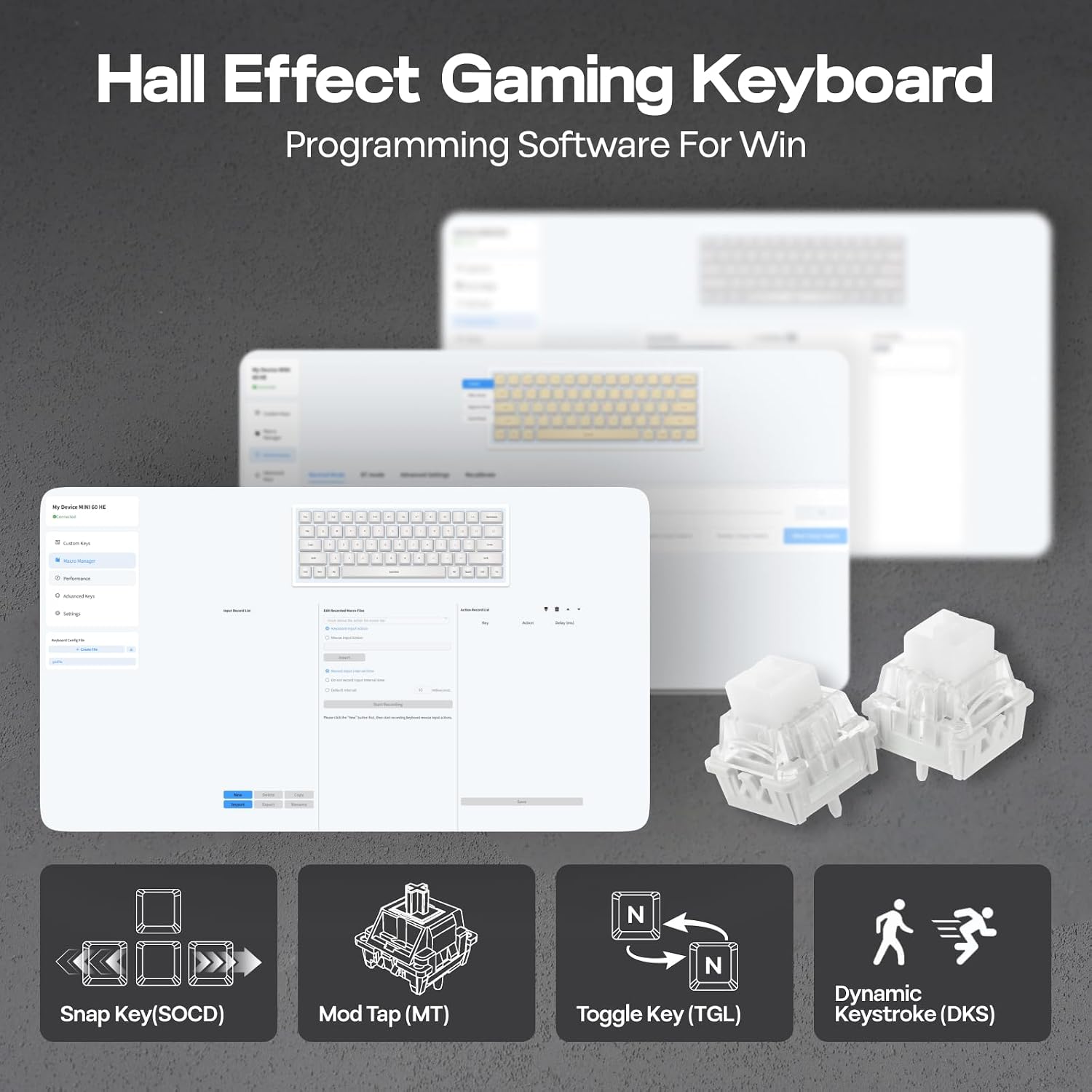
 Snap Key (SOCD)
No more, stop moving in the heat of battle. With Snap Key, only the latter key is prioritized and triggered when two opposing directions are pressed.
 Fast Trigger from 0.1-3.4mm
Per 0.01mm adjustable actuation distance and four pre-set sensitivity modes for work accuracy, gaming speed, and everyday convenience.
 DKS & MT
Maximize the keyboard’s potential by setting 2-4 functions on 1 key in 1 layout. 4 distances as 4 functions with DKS or hold/tap as 2 with MT.
 Toggle Key (TGL)
Set “hold” or “double-click” as the trigger for continuous input and “tap” as termination. Release your finger for operation elsewhere.


1 N-key Rollover 2 Hot Swappable 3 for Gaming/Office
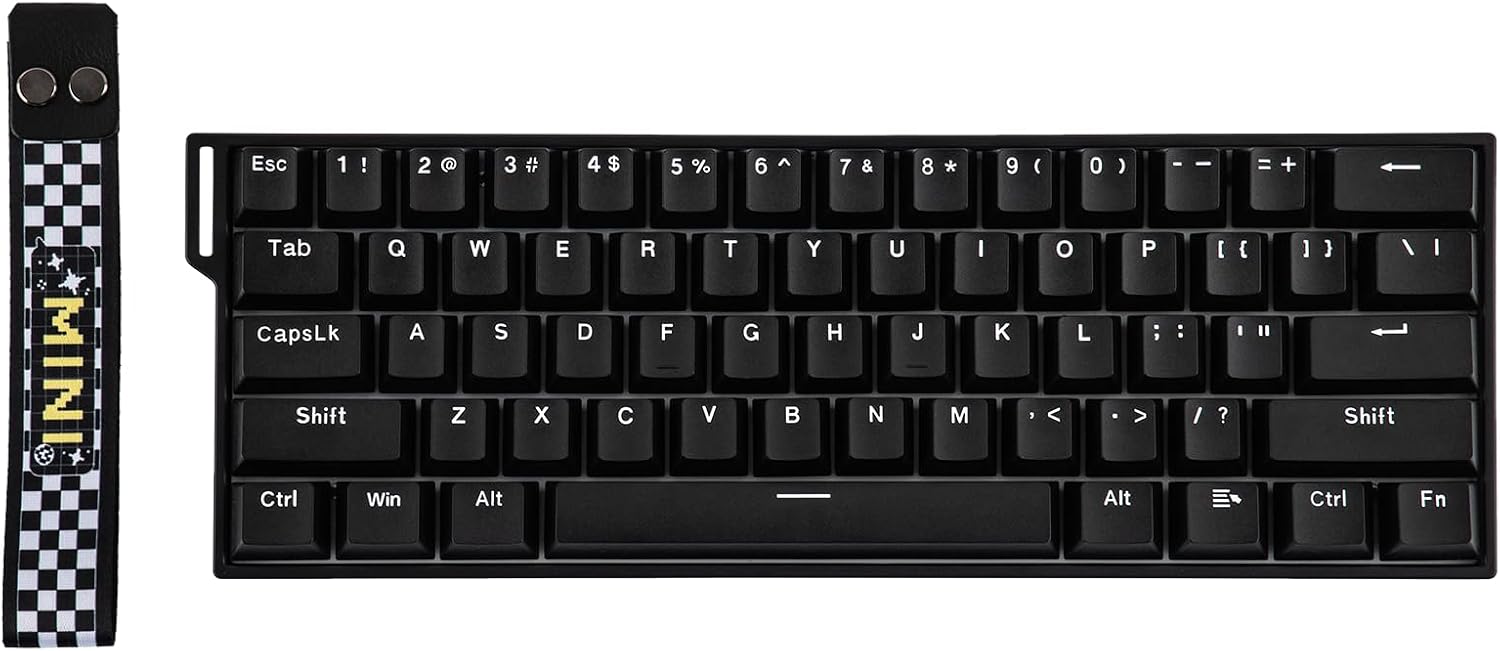
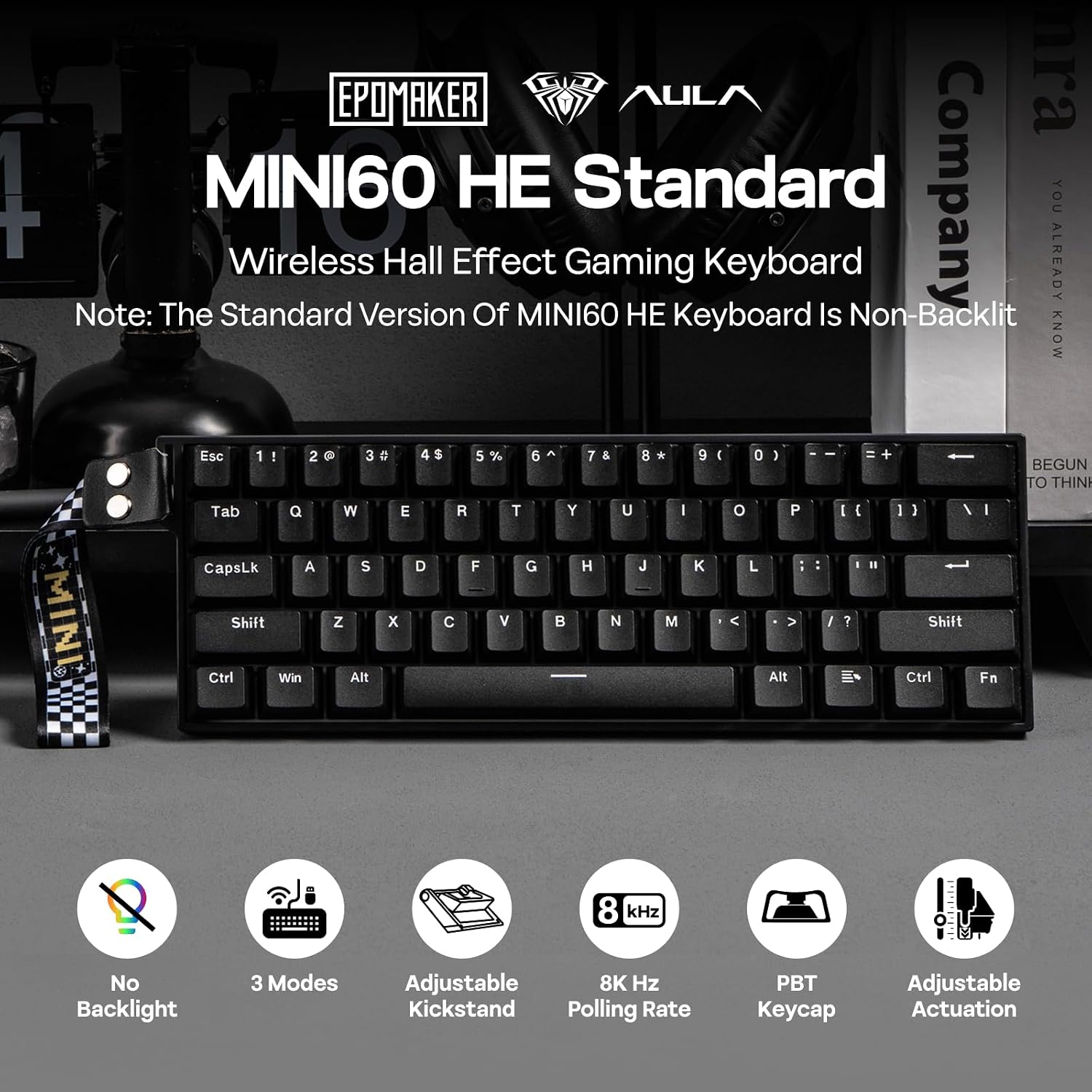
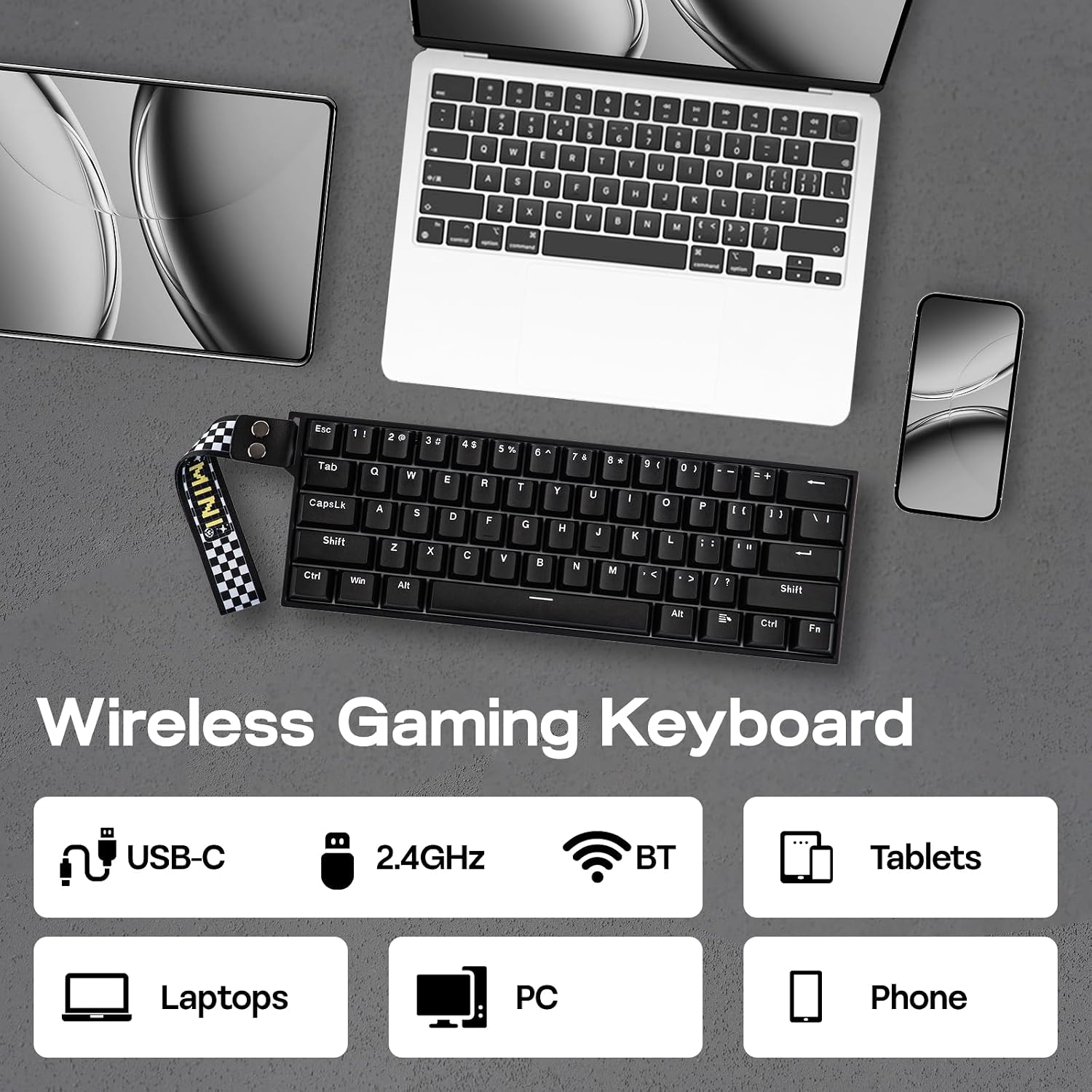
Portable Gaming Keyboard 60% Ultra-compact Layout with 61 Keys
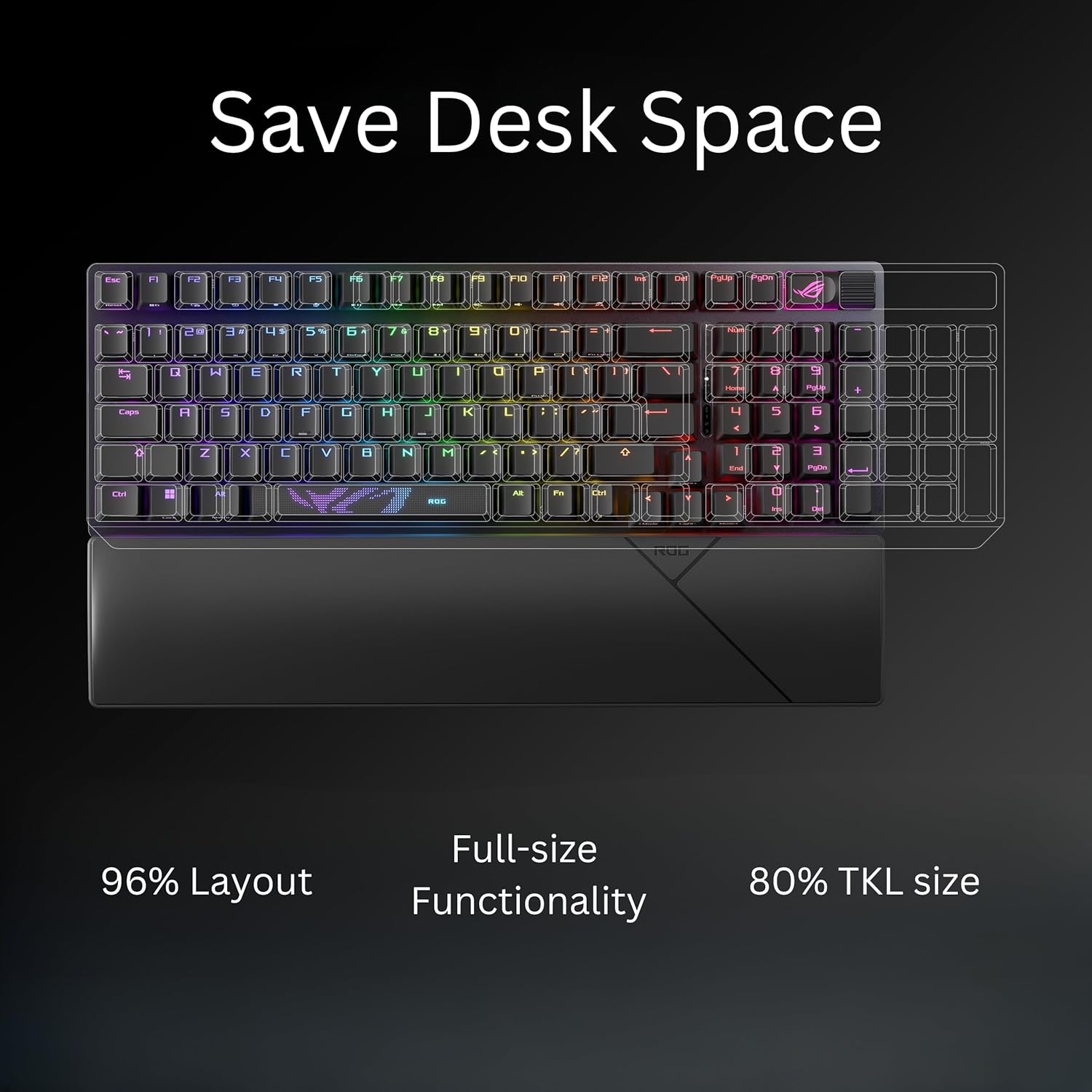
The MINI 60 HE keyboard features a space-saving design with 61 keys, offering a sleek, minimalist aesthetic and improved typing efficiency. Its 60% layout provides additional space for mouse maneuvers, enhancing gaming performance and ergonomics, making it ideal for gamers, multi-device users, business travelers, and remote workers.
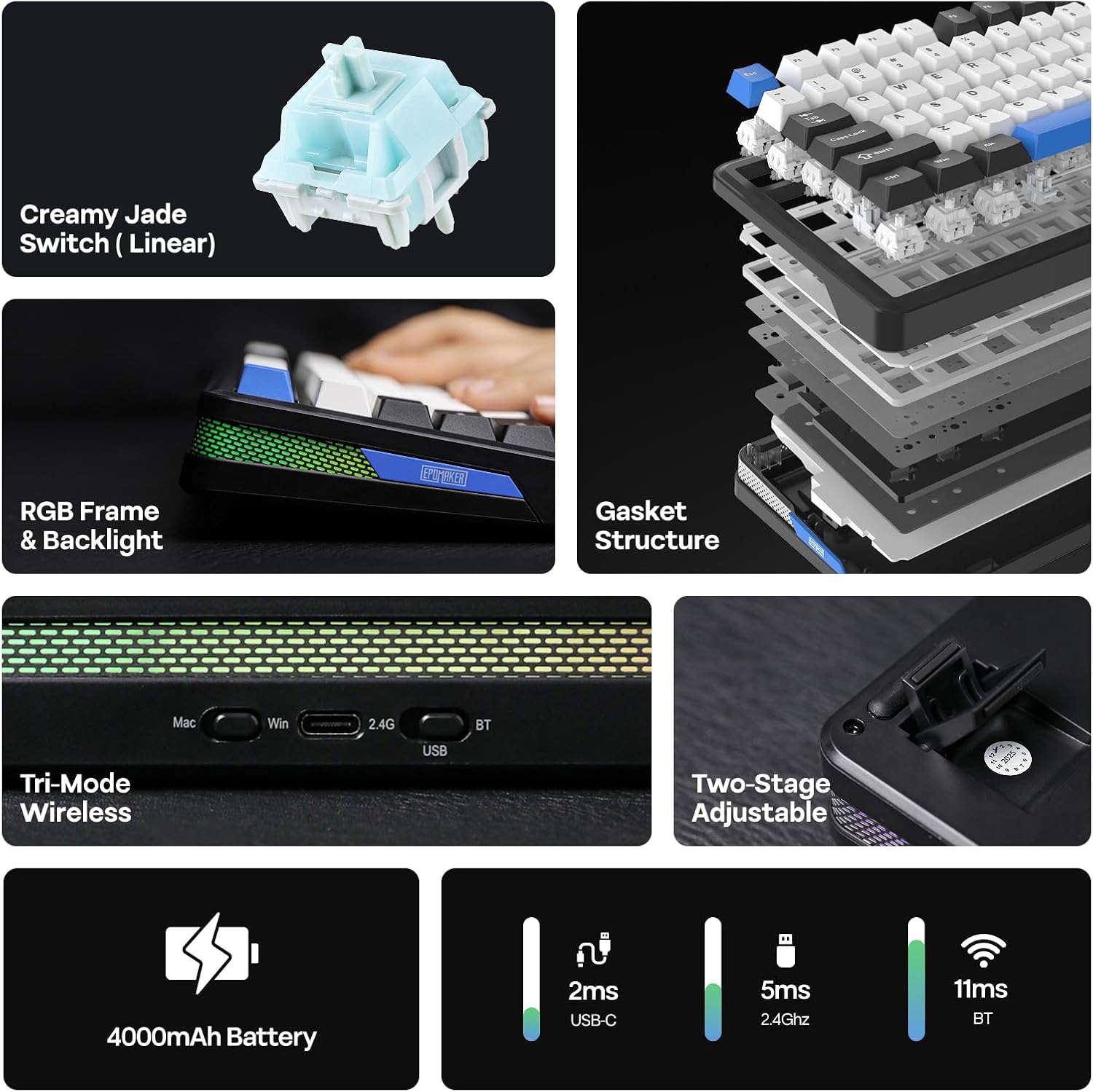
 3 Modes Connectivity BT 3.0/5.0 & 2.4Ghz & USB Cable
Whether you prefer the simplicity of a plug-in cable, the versatile BT mode, or the reliable 2.4 GHz wireless, the AULA MINI60 HE has you covered.
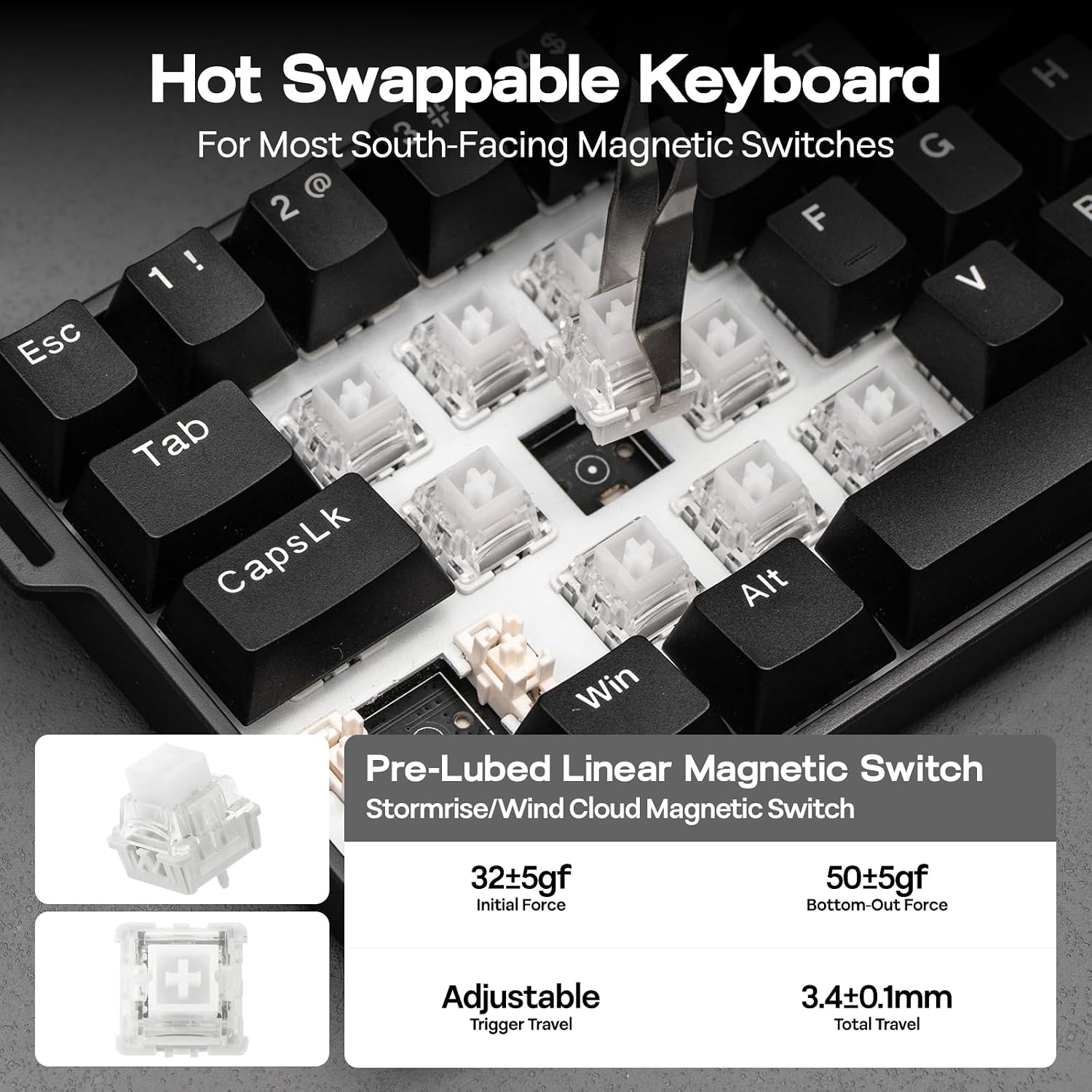
When pairing MINI60 HE to your computer, make sure to hold FN+Q/W/E/R until light’s flash quicken from slow to rapid, before plugging the receiver or initiating BT settings.FN+B (hold): Green Bar=100%. Yellow Bar=50%. Red Bar=30%FN (hold): 1/2/3/4/5=BT1/BT2/BT3/Wireless/Cable. A/S/D=Android/Windows/Mac  Stormrise/Wind Cloud Magnetic Switch Linear Hall Effect Switch
The AULA MINI60 HE wireless gaming keyboard supports three connection modes: wired mode offers millisecond-level precise input, 2.4G wireless mode balances stability and battery life, while Bluetooth mode enables seamless collaboration across multiple devices. Users can flexibly choose the most suitable mode based on their needs, whether for gaming, office work, or entertainment.
Initial Force: 32±5gfBottom-out Force: 50±5gf Trigger Travel: Adjustable Per 0.01mm. Total Travel: 3.4±0.1mm  What’s in the box?
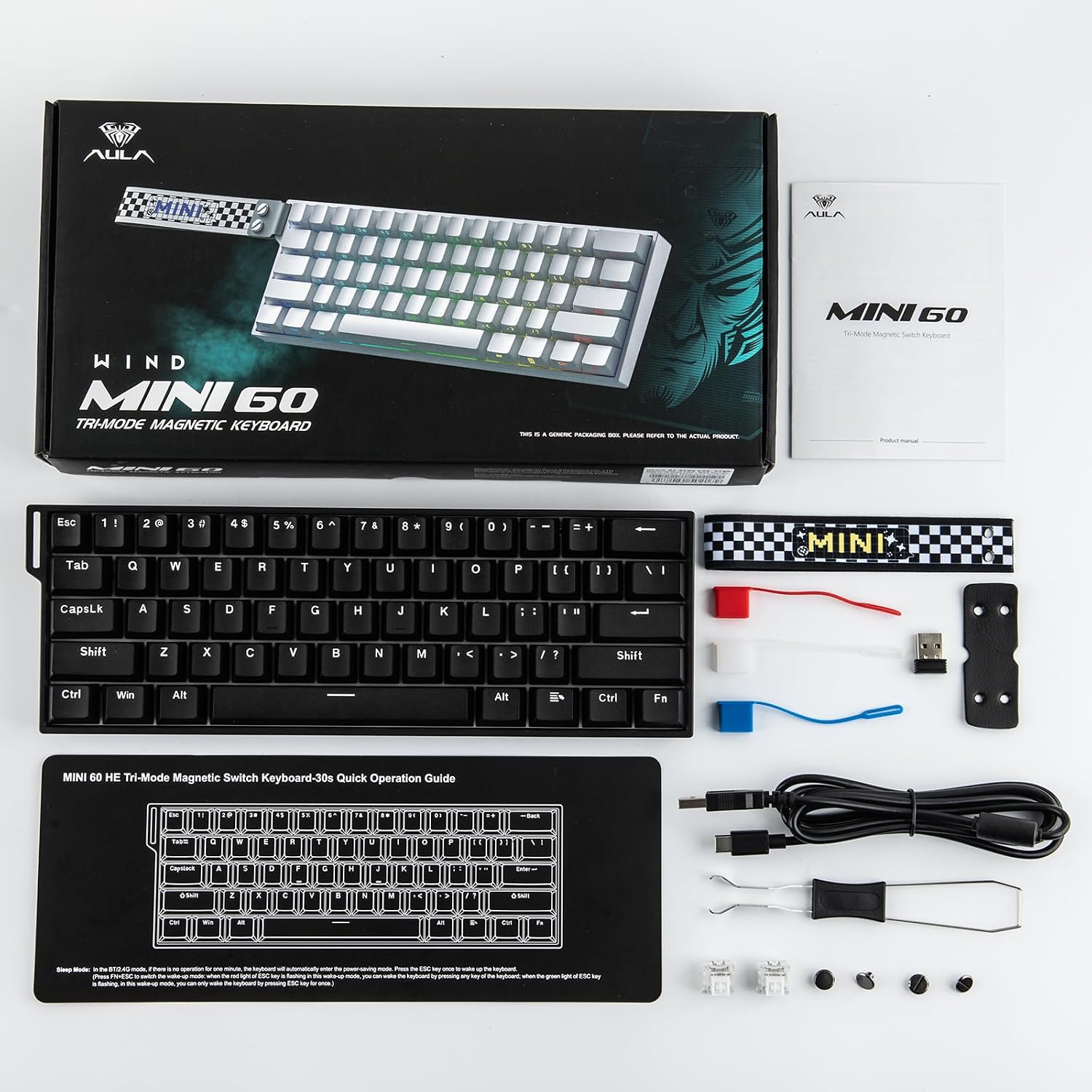
Mini60 HE Standard KeyboardUser Manual & Quick GuideDetachable Ribbon, Dust Cover, USB A to C Cable, Switch & Keycap Puller2.4Ghz Wireless Dongle (1,000 Polling) & 2*Storage Cap for Dongle (Insert the dongle into the computer’s hub to connect) 
Can I adjust the height of this keyboard for typing?
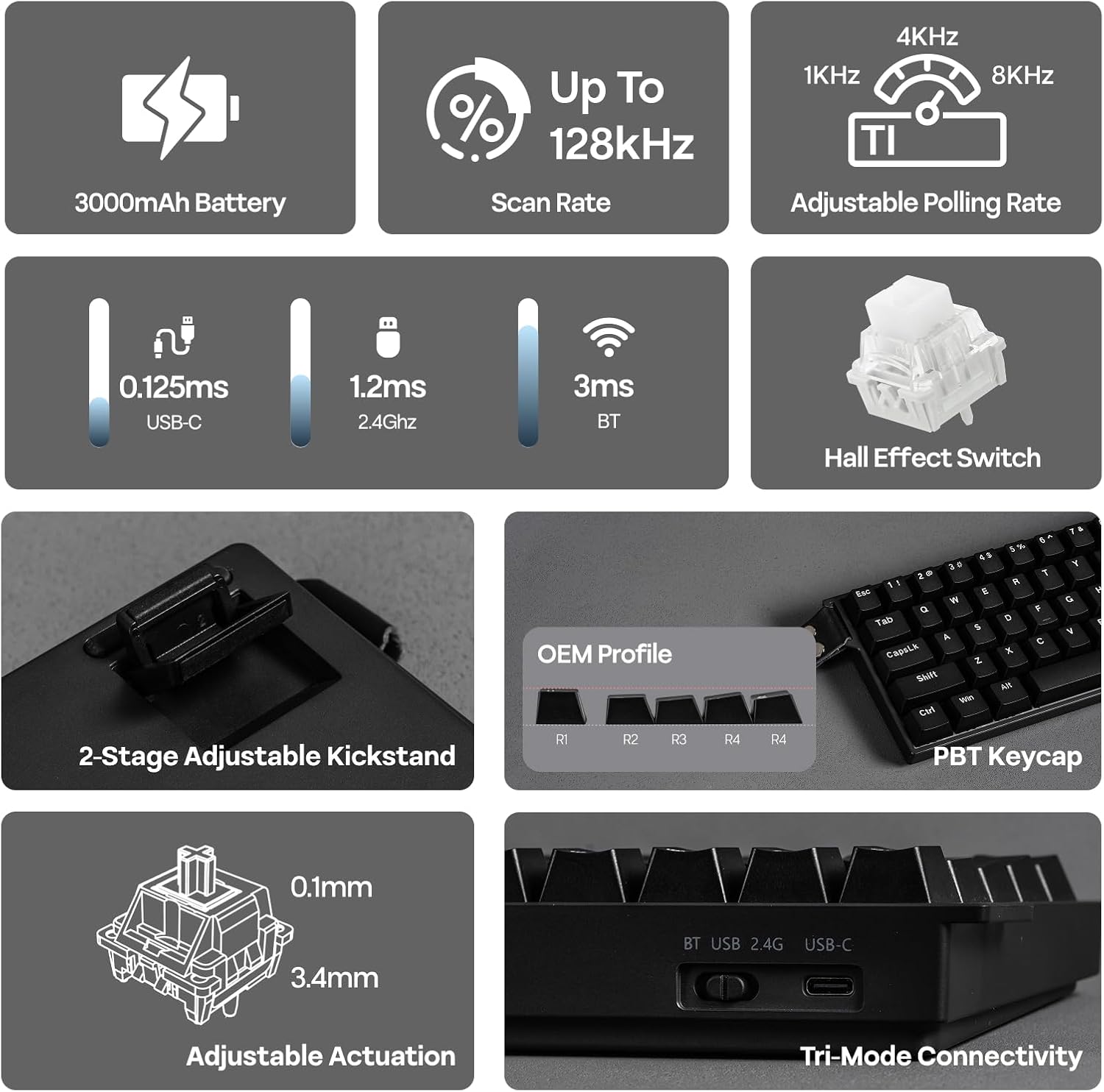
Yes, the AULA MINI60 HE Wireless Hall Effect Keyboard offers three adjustable typing angles through its 2-stage kickstand.
Does this keyboard have backlighting? Can I adjust the brightness?
No, the AULA MINI60 HE standard version does not have backlighting, but it comes with indicator lights for connection modes.
Is this keyboard compatible with macOS, or just Windows?
Yes, the MINI60 HE Gaming Keyboard is compatible with macOS, Windows, and Android. You can switch between these operating systems using the shortcut keys (FN+A/S/D).
(FN+A/S/D=Android/Windows/Mac).
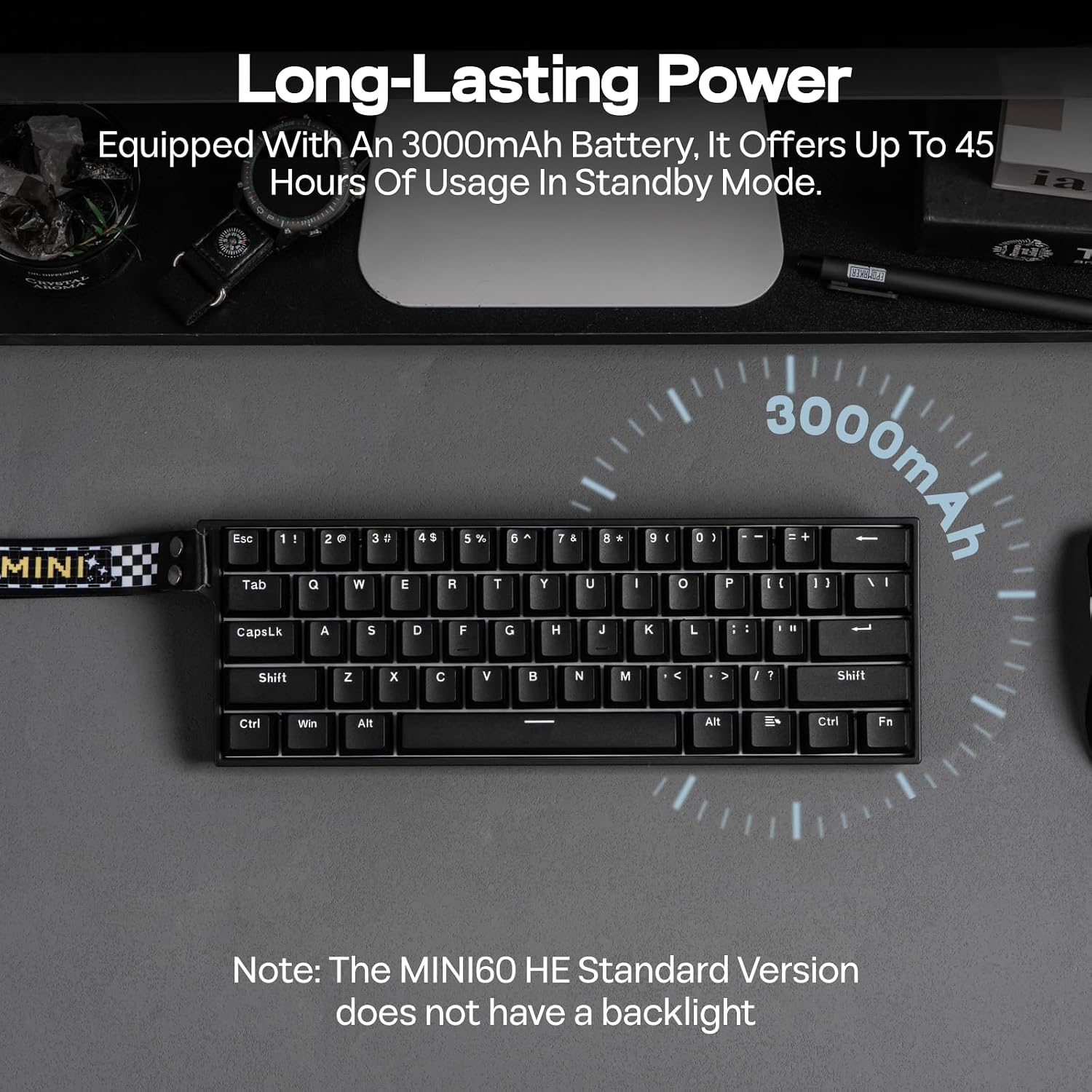
How long does the battery last on this wireless keyboard?
The EPOMAKER Aula MINI60 HE Standard Gaming Keyboard features a 3000mAh battery that provides up to 45 hours of use.
Tri-Mode Wireless & 8000Hz Polling Rate: Featuring 128K per-key scan rates and adjustable 8k Hz polling, the ultra-low latency MINI60 HE keyboard gives you the edge needed for fast-paced FPS games such as CS2 or Valorant, with unrivalled fast response wired and wirelessly. (Note: MINI60 HE Max features 8K polling in USB/2.4Ghz mode, while MINI60 HE Standard only features 8K polling in wired mode) .
Long-Lasting Battery: Featuring a lab-tested PRO game level chip with low-consumption power-saving design, the MINI60HE wireless gaming keyboard performs reliably for 44 hours with the backlight off, without the frustrating mid-game pause due to low battery. Use FN+ESC to switch between single-key (ESC only) or full-board (any key) wake-up mode, to prevent accidentally waking up the MINI60 HE from sleep mode. (Note: The MINI60 HE Standard Keyboard does not come with a backlight feature, tailored for users who prefer a minimalist typing experience.)
Up to 0.01mm RT Sensitivity: Be one step ahead in the gaming battlefield with this professional gaming keyboard. With precision up to 0.01mm, the MINI60HE gaming keyboard responds to your command instantly with flawless execution. Take this rapid triggering keyboard for effortless maneuvers in competitive gaming with even the most complex actions.
Snap Tap & Dynamic Keystroke: Snap Tap ensures lightning-fast directional changes in FPS or MOBA games by prioritizing the latest input between two keys. Dynamic Keystroke introduces true analog input, enabling up to 4 actions in a single stroke for seamless combos and macros.
60% Ultra-compact Layout: Space-saving design with 61 keys for a sleek minimalism aesthetic and enhanced typing efficiency. The 60% layout of the MINI 60 HE keyboard allows more space for mouse maneuvers for improved gaming performance and ergonomics, perfect for programmers, gamers, and remote workers.
Adjustable Actuation Point: The MINI60HE features fully adjustable Hall magnetic switches, allowing you to customize each key’s actuation point from 0.1mm to 3.4mm in 0.01mm increments. Take full control of this hall effect gaming keyboard, with rapid keypresses or ultra-precise typing tailored to your needs.
Double-shot Durable Keycaps: Crafted with advanced dual-shot injection molding, the PBT custom keycap of AULA MINI60 HE has vibrant, durable legends that resist fading over time. This process not only enhances the keyboard’s sleek, minimalist design but also ensures a premium, long-lasting feel.
Online WEB Driver: The Chrome-based web driver of the Aula MINI60HE keyboard, accessible online and offline, streamlines the customization process for users of all levels. All settings and parameters can be customized with real-time visual feedback, such as sensitivity and polling adjustment, advanced functions including SOCD, singer key remap, and macro settings.


Reviews
There are no reviews yet.