
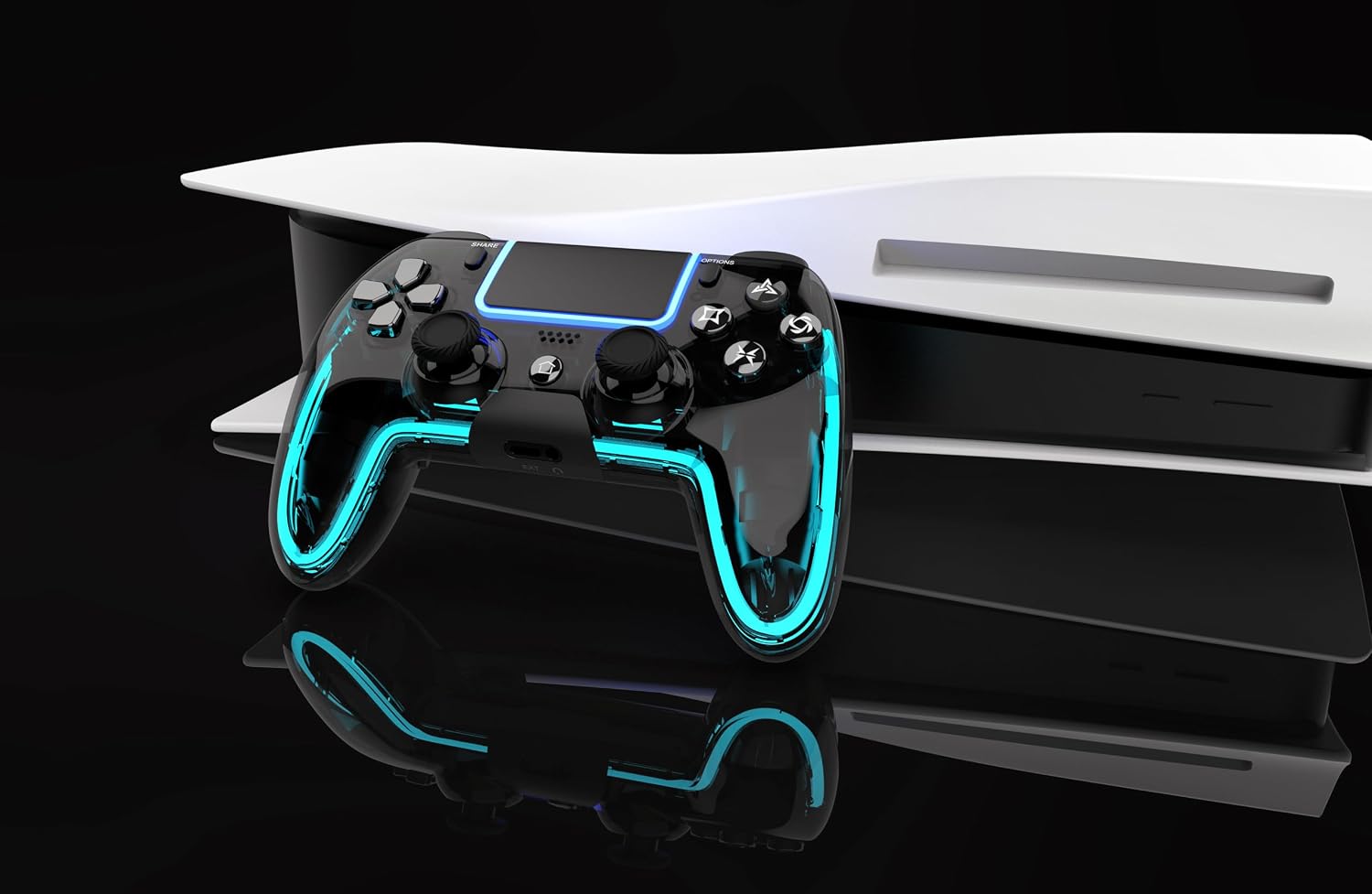
Description
Product description
How to connect the controller to PS5?
Plug it into the PS5 with a USB data cable, wait a few seconds, then press the Home button.
Controller only remembers the last device it was paired with. If you used it on other device, reconnect it to the PS5 with a USB data cable and pair it again.
Does the controller support dock charging? Does it have a built-in mic?
Yes, you can charge it with the charging dock or a USB-C cable. NO built-in mic.
How do I fine-tune the HALL joysticks?
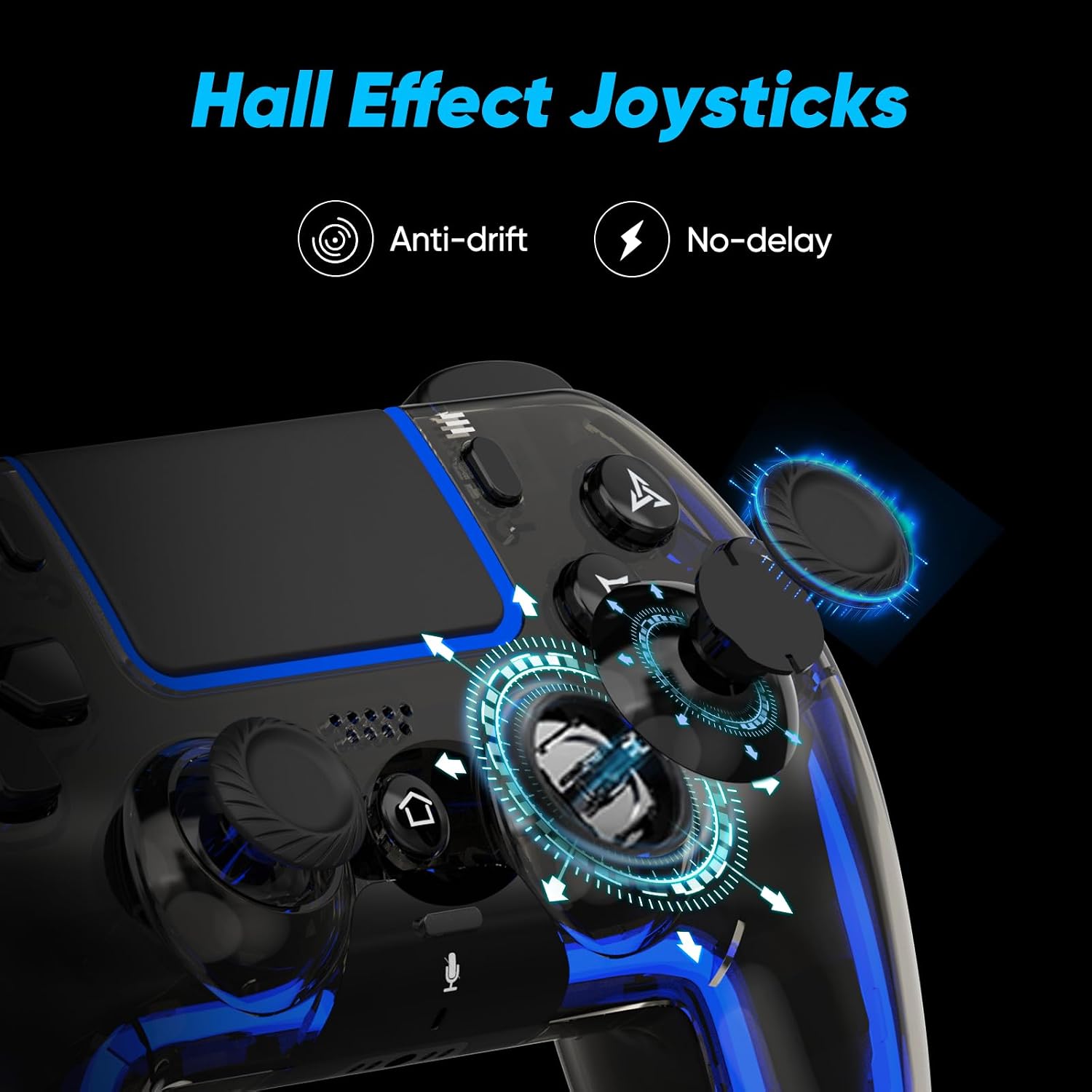
Turn off the controller, then hold Share + Menu while plugging it into the console until the light starts flashing. Press L1/L2/R1/R2 a few times, rotate both sticks in circles, then press X to save. Restart the controller to finish calibration.
The touchpad lights keep flashing. What should I do?
Restart the controller first.
My PS5 says “Connect this device using a USB cable, or register it again.”
Use a USB data cable (not charge-only), then pair the controller again. The included cable is recommended.


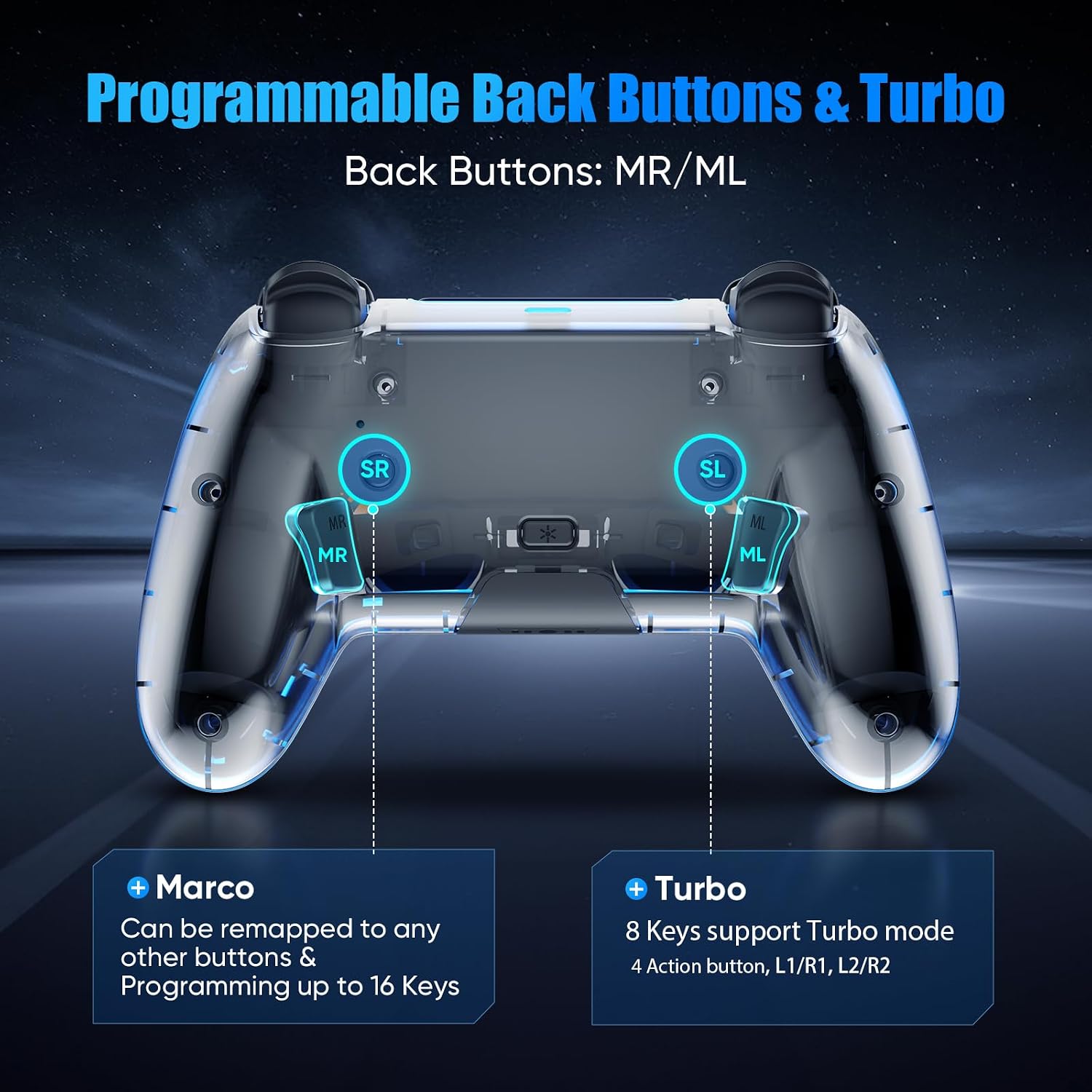
1 Marco-One click COMBO
2 Turbo-Auto fire
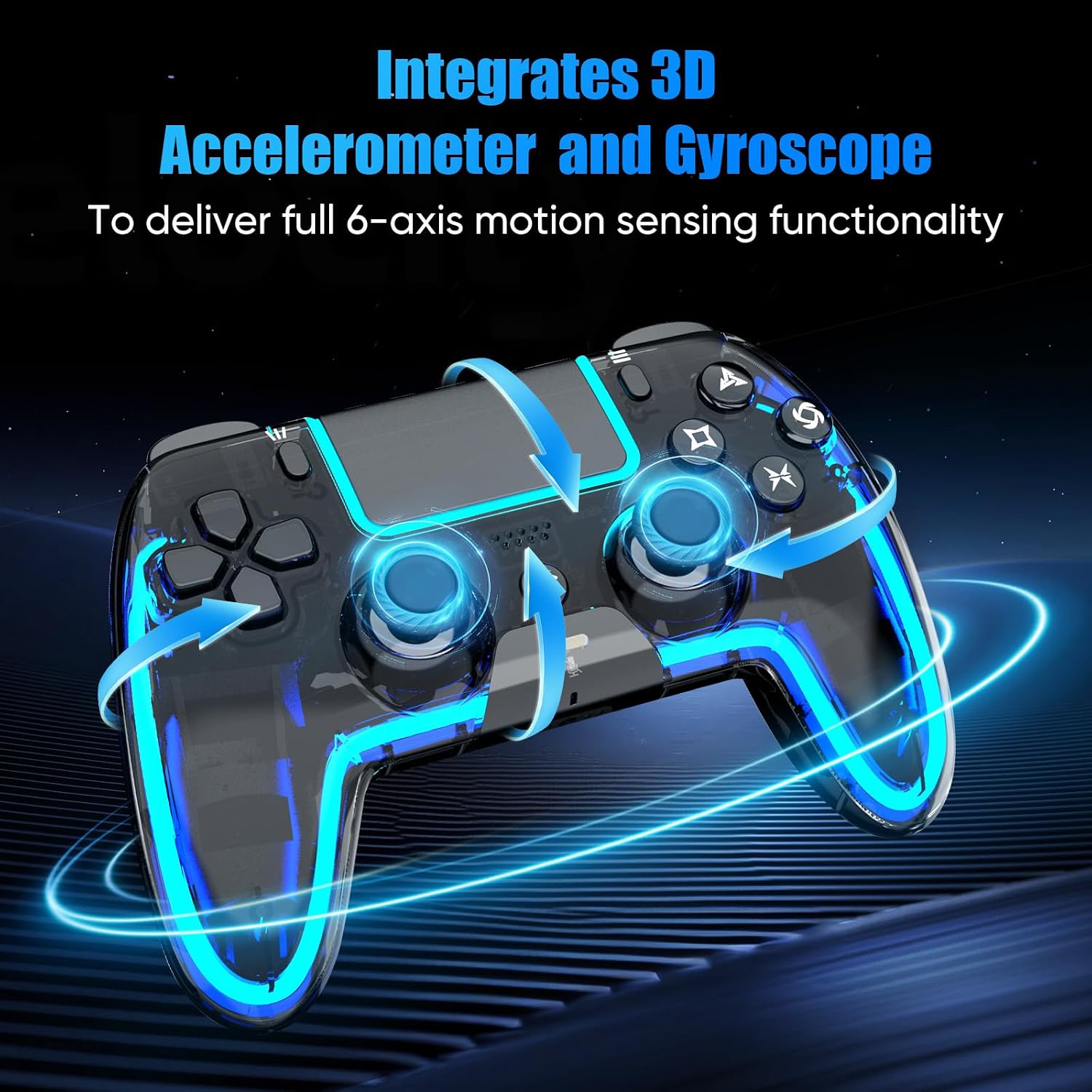
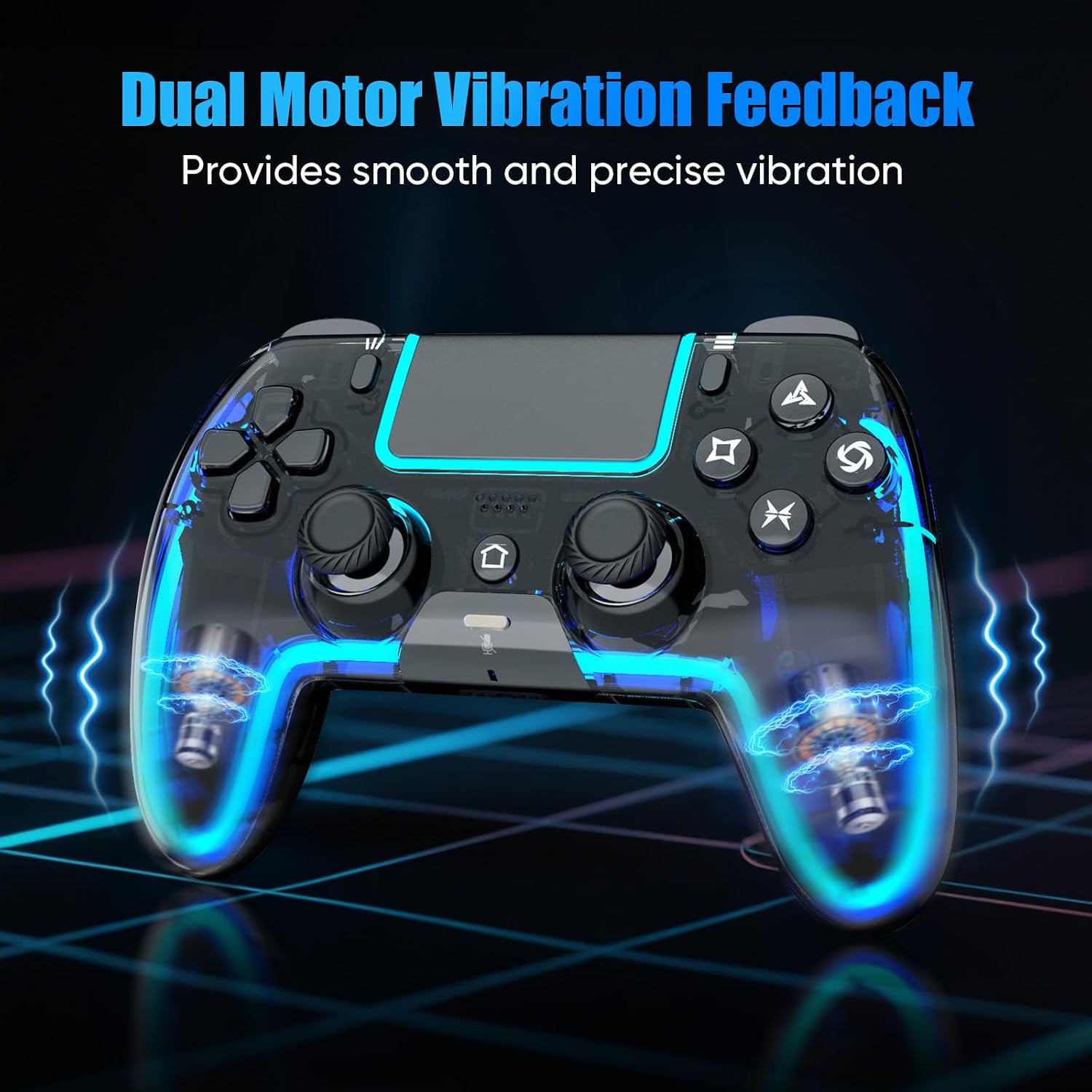
3 6-Axis, Dual Vibration

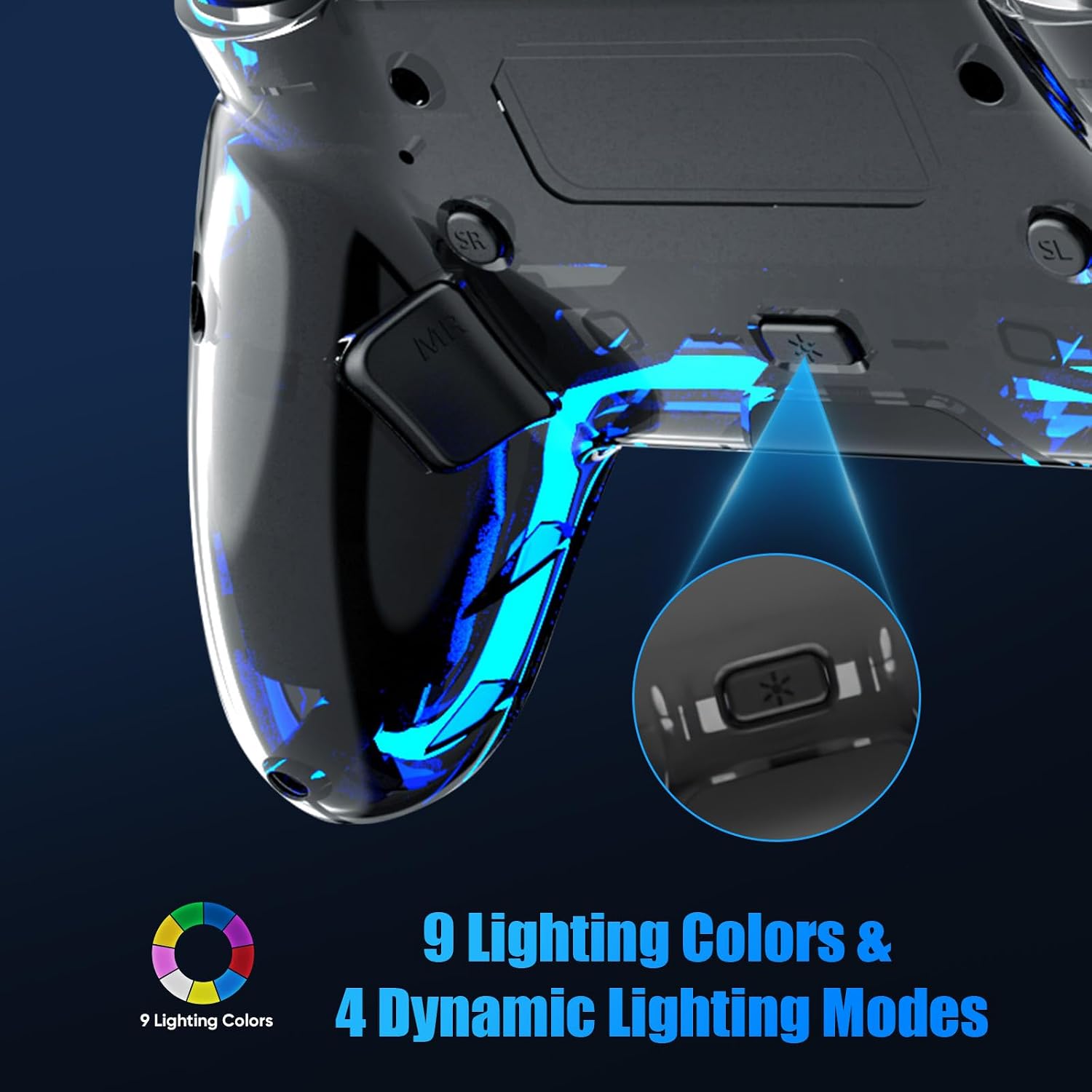
The colored lighting shown in the controller images is for illustration purposes only. The actual product features nine single-color lights and four lighting modes: Breathing – Fast Flash – Slow Flash – Gradient.
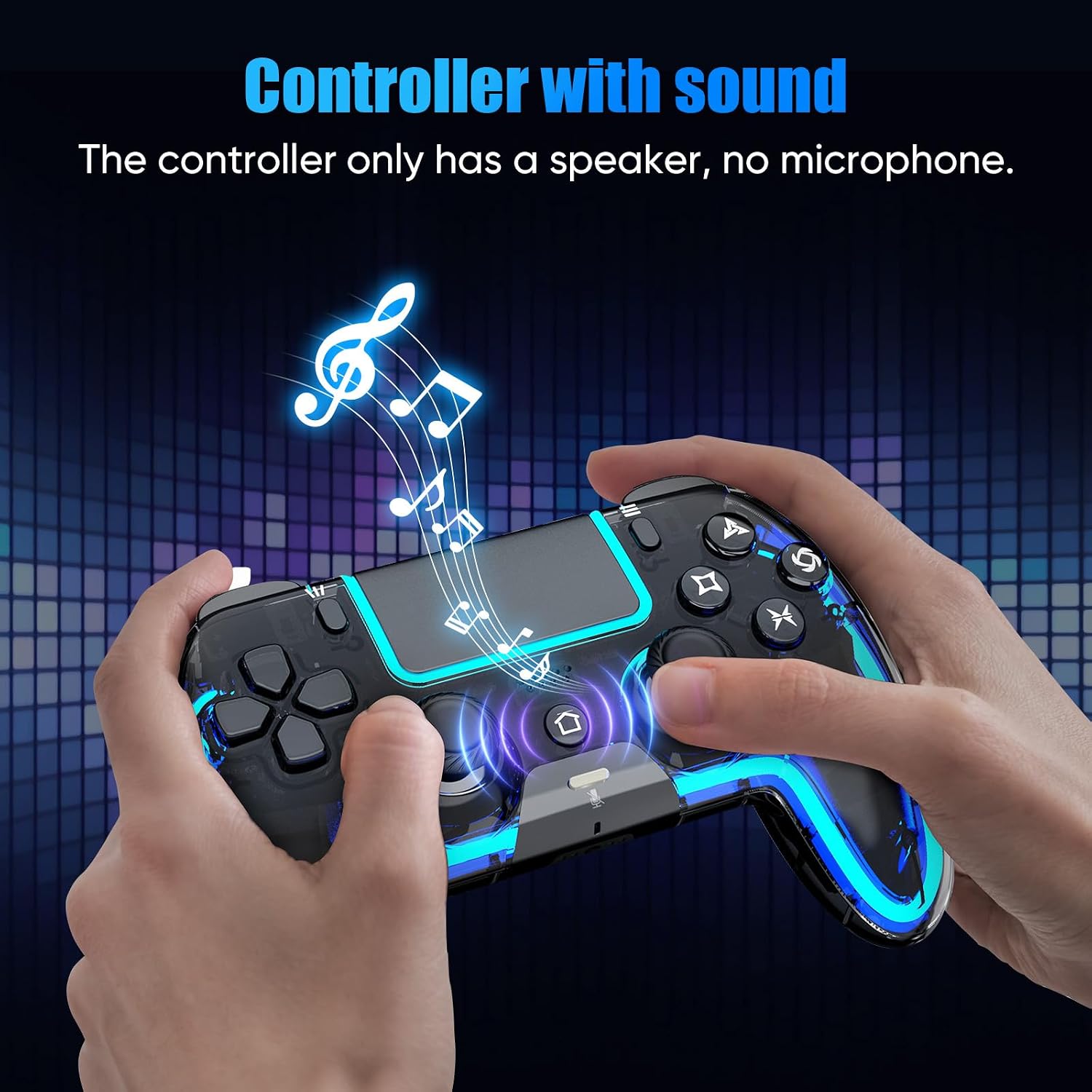
 Controller with Speaker
Sound effects and music come to life right in your palms
 Xinput Mode
Wired connection to a PC: Press Share and Menu buttons to switch XInput mode
 3.5mm TRRS Stereo Jack
Please insert the 3.5 mm plug gently to prevent long-term stress that may cause audio or microphone failure.
no built-in mic
 800mAh Battery
Two ways to charge: Charging Dock / USB-C Cable
Similar Products
Add to Cart
Customer Reviews
3.8 out of 5 stars 467
5.0 out of 5 stars 3
4.7 out of 5 stars 6
2.5 out of 5 stars 4
3.8 out of 5 stars 467
3.8 out of 5 stars 467
3.7 out of 5 stars 40
Price
$39.89$39.89
$39.99$39.99
$39.99$39.99
$49.99$49.99
$41.99$41.99
$41.99$41.99
$39.89$39.89
One click Combo(2 Back button)
✔
✔
✔
✔
✔
✔
✔
Rapid fire(Turbo)
✔
✔
✔
✔
✔
✔
✔
Built-in Mic
✘
✘
✘
✘
✘
✘
✔
Daul Vibration
✔
✔
✔
✔
✔
✔
✔
3.5mm TRRS Audio Jack
✔
✔
✔
✔
✔
✔
✔
Six-Axis Motion Control
✔
✔
✔
✔
✔
✔
✔
Speaker
✔
✔
✔
✔
✔
✔
✔
Shell Design
Glossy Translucent Black Shell
Crystal-Clear Glossy Shell
Crystal-Clear Glossy Shell
Glossy Translucent Black Shell
Glossy Translucent Black Shell
Glossy Translucent Black Shell
Frosted Translucent Shell
Charging
USB-C & Charging Dock
USB-C & Charging Dock
USB-C & Charging Dock
USB-C & Charging Dock
USB-C & Charging Dock
USB-C & Charging Dock
USB-C Charging
Colorful LED lights
9Single color & 4 Mode & Close
9 Single color & Dual color
9 Single color & Dual color
9 Single color & Dual color
9 Single color & Dual color
9 Single color & Dual color
9Single color & 4 Mode & Close
Adjustable LED Brightness
✘
✘
✘
✘
✘
✘
✔

Built for Sharing: Grab a second controller and jump into the fun! Perfect for couch co-op, it lets you easily team up or face off in your favorite multiplayer games.
[Notes]: For the first connection, plug the controller into the PS-5 with a USB Data cable, wait a few seconds for the host to recognize the controller data, then press the Home button. (Make sure PS-5 settings allow controller connection over USB) The controller can only remember the last connected device. If you recently used it on a PC/phone, you must re-pair it to the PS-5 by USB Data cable. We recommend using the cable in the package, as it supports both charging and data transfer.
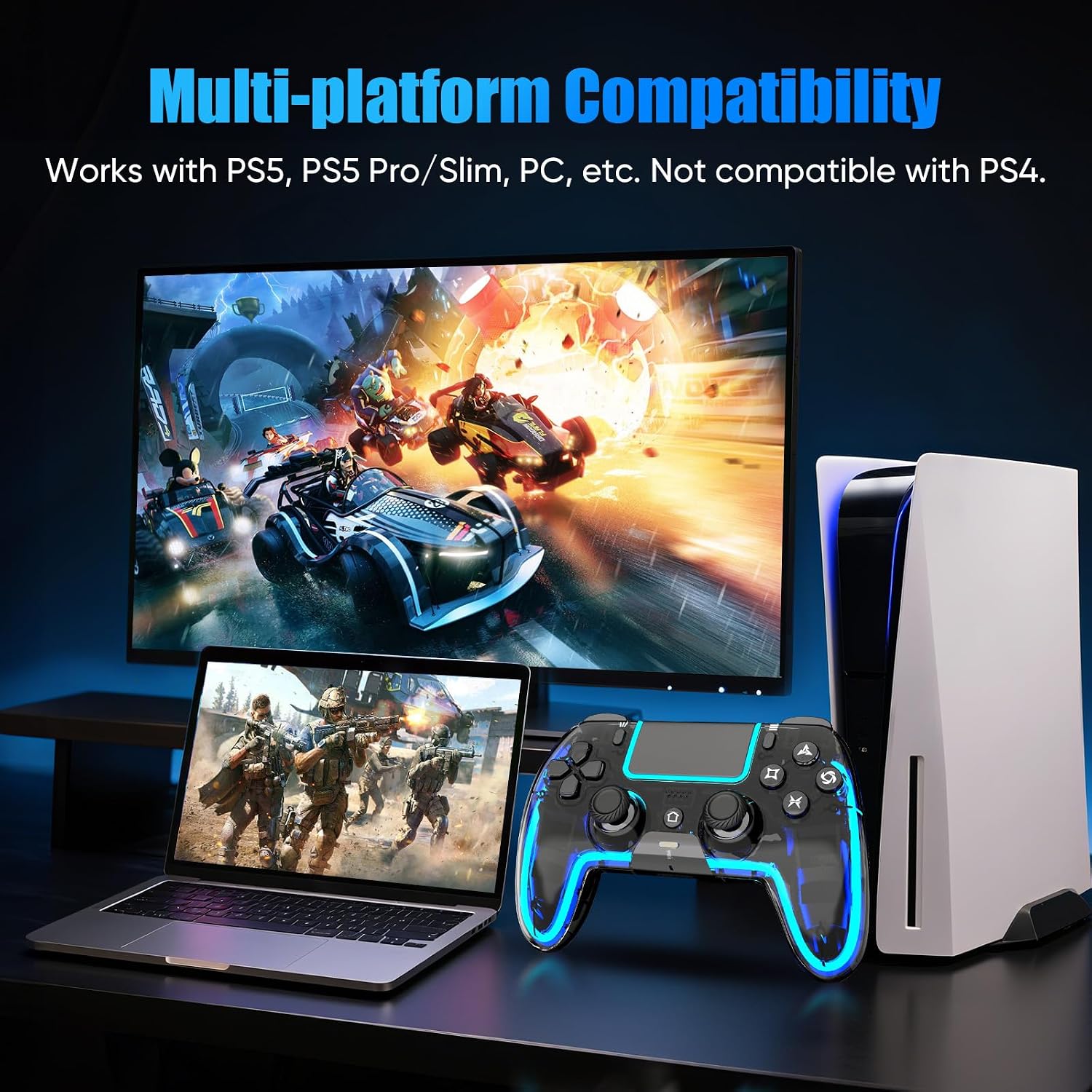
[Multi-Platform Compatibility]: Works with PS-5, PS-5 Pro/Slim, Mac, Android, Steam Deck, and Windows 10+ (Wired or Bluetooth). Not compatible with PS-4.
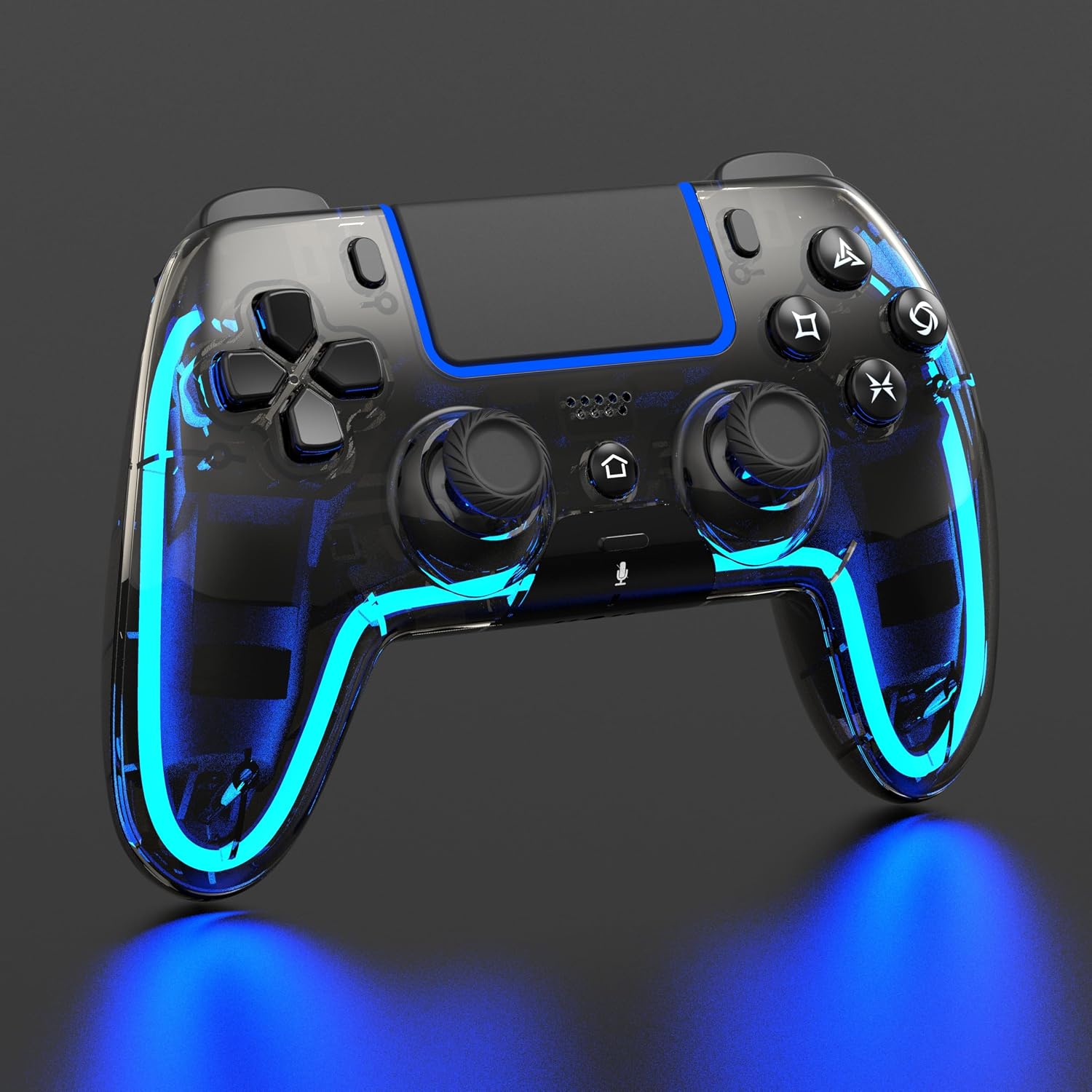
[Customizable RGB Lighting]: Choose from 9 colors and 4 effects (Breathing, Fast Flash, Slow Flash, Gradient.). Remembers your last setting. (no monochrome breathing light, all dynamic effects have nine color loops, and you can watch the video to see the effect)
[Hall Effect Joystick]: Say goodbye to joystick drift! If your joystick ever feels drift, simply use the calibration function to restore precise control.
[Programmable Buttons & Turbo Mode]: Assign up to 1-16 button functions to M1/M2 using the SR button for custom macros and reduced wear on main buttons. Supports two Turbo modes (Auto & Manual) with 3 adjustable speeds(4/8/16Hz) for 8 keys—perfect for FPS and action games.
[6-Axis Gyro Sensor for Enhanced Control]: Equipped with a built-in 3D accelerometer and gyroscope for 6-axis motion sensing. (Great for fast-response games like NBA07, Tony Hawk’s, Blazing Angels, Genji, and Ridge Racer.)
[Speaker & 3.5mm TRRS stereo Audio Jack]: Immersive in-game audio through the built-in speaker. Note: This controller does not include a built-in mic—use external headsets via the 3.5mm TRRS stereo audio jack for voice chat. (Long press the mute button to turn off the headphone microphone/speaker/vibration. Or click to mute the headphone mic)
[Multi-Touch Touchpad]: The responsive touchpad detects swipes, taps, and presses—ideal for gestures, menu navigation, and zooming maps.
[Dual Vibration]: Delivers responsive, nuanced vibration for a deeper gaming experience (Vibration can be disabled using the mute button if needed.)
[Support & Firmware Upgrade]: If your controller requires a firmware update, contact us by email and we will respond within 24 hours with assistance.

![$50 PlayStation Store Gift Card [Digital Code]](https://webexwp.com/wp-content/uploads/2026/08/51w6X7U3QnL._SL1082_-327x327.jpg "$50 PlayStation Store Gift Card [Digital Code]")

Reviews
There are no reviews yet.